
Choosing a Medical Alert System: Monitored, Unmonitored, or Neither

Written from manufacturer specifications and published pricing. We have not tested these services hands-on — where that matters to a decision, this guide says so.
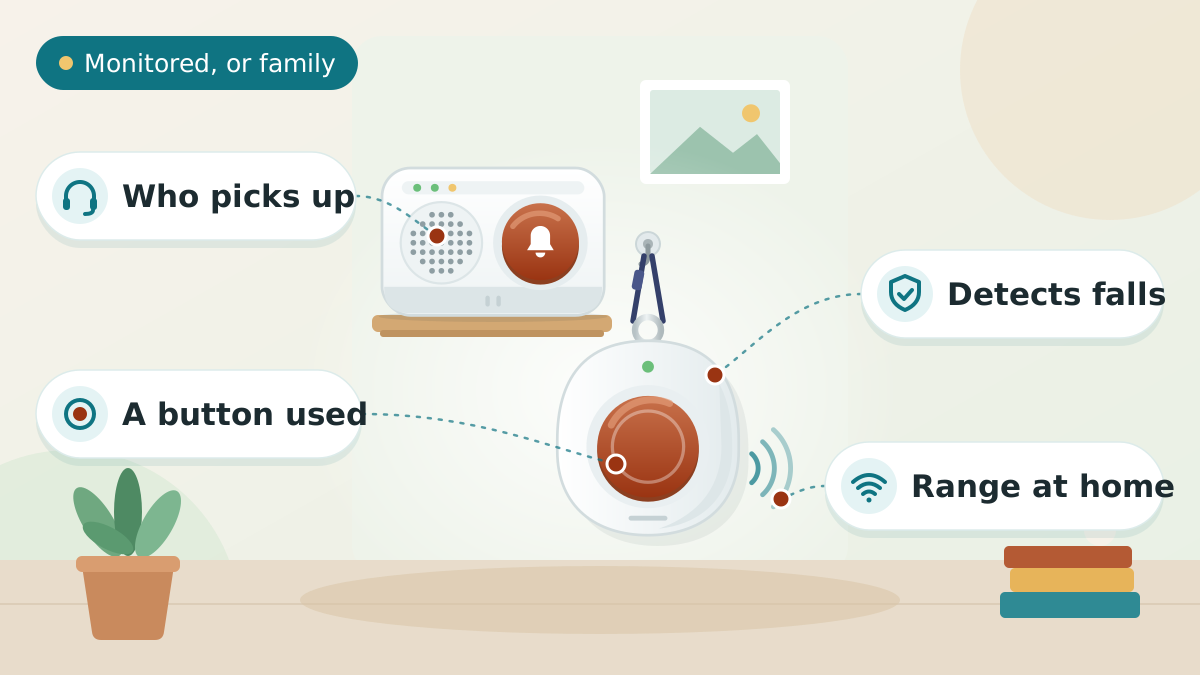
Three different things are sold as "medical alert systems", and they answer to three different people. The expensive mistake is paying a monthly fee for a call centre when a $30 pager would have done — or the reverse, buying a pager for someone who lives alone and needs a stranger to answer at 4am.
Key takeaways
- Monitored systems connect to a 24/7 call centre for a monthly fee. Unmonitored ones call your family instead, for a one-off price. Neither is better. They suit different households, and the difference is who answers.
- The question that decides it: is there someone who will reliably pick up? If a nearby family member always answers, an unmonitored device may be all that is needed. If they live two states away, or nobody is guaranteed to answer at 4am, that is what a monitoring fee buys.
- Fall detection is an add-on on nearly every plan, and it does not catch every fall. Treat it as a useful backstop, never as a reason to relax about fall prevention itself.
- Landline plans are cheapest but need a landline. If the house has cut the copper, the cellular equivalent is a few dollars more a month — do not buy the cheaper one and find out afterwards.
- Almost every provider quotes the annual rate. Monthly billing is materially more expensive. Compare like with like before deciding anything is cheap.
Quick answer
Do I need a monitored medical alert system?
You need monitored service if the person lives alone or is alone for long stretches, and there is no family member certain to answer a phone at any hour. A monitoring centre is staffed around the clock and can dispatch emergency services, which family cannot always do. You may only need an unmonitored device — one that calls or pages family directly, with no monthly fee — if someone is nearby and reliably reachable, or if the real need is calling for help from another room rather than in a genuine emergency. Monitored plans generally run $25 to $45 a month on annual billing.
Where to compare the plans yourself
We have not tested LifeFone’s service. The link below goes to their own comparison page, where all six plans, the current billing options and any live offer are shown together — useful for checking the add-on costs before committing to anything.
First: three different things are called a medical alert system
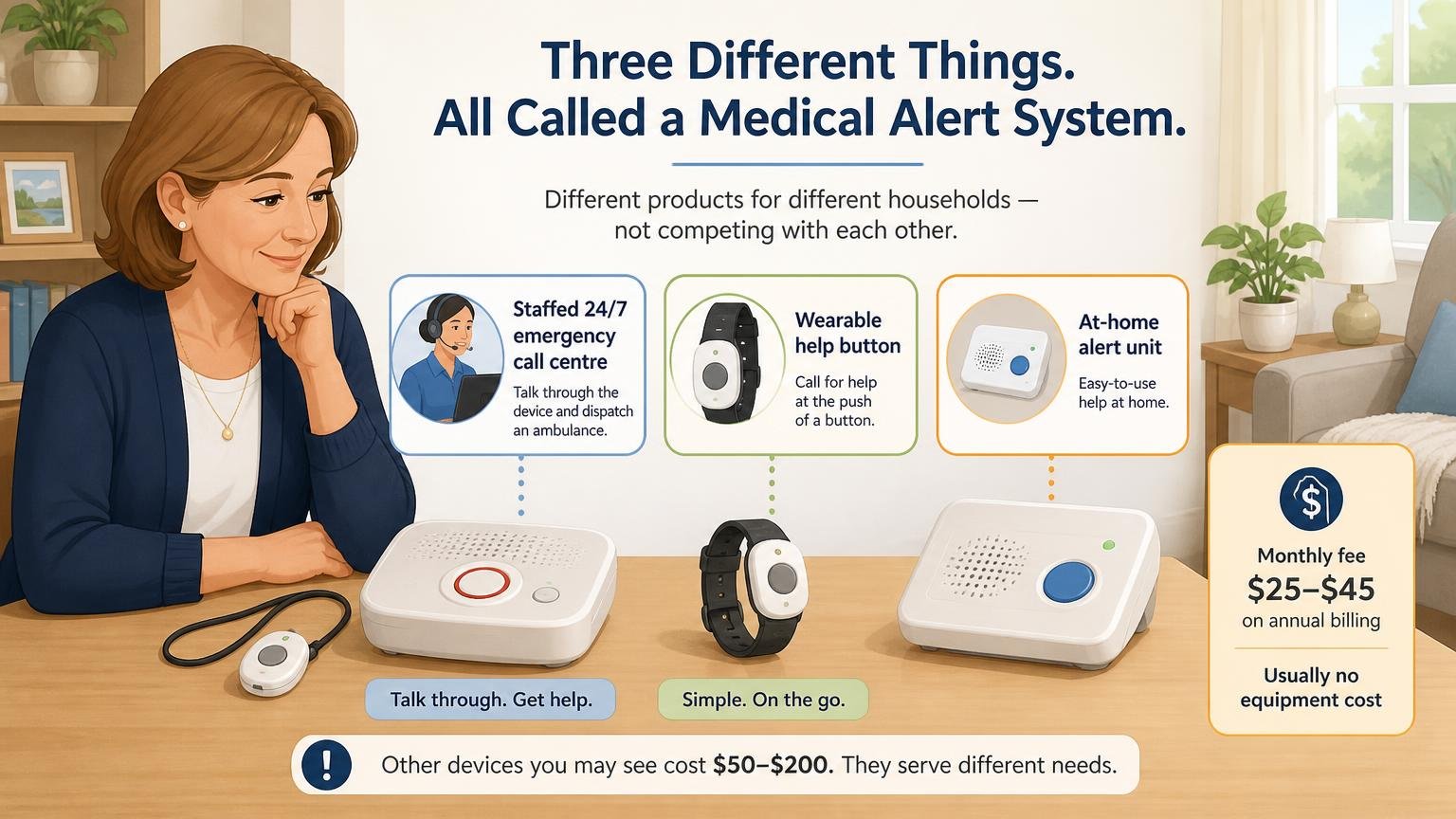
Search for a medical alert system and you will be shown three genuinely different products at wildly different prices. They are not competing with each other — they answer to different households.
| Type | Who answers when the button is pressed | Typical cost |
|---|---|---|
| Monitored system (subscription) | A staffed 24/7 emergency call centre, who can talk to the person through the device and dispatch an ambulance | A monthly fee, generally $25–$45 on annual billing. Usually no equipment cost |
| Unmonitored alert device | Family and chosen contacts, by call or text. Nobody is on duty — it depends on someone picking up | A one-off purchase, commonly $50–$200. No monthly fee |
| Caregiver pager / call button | Whoever is in the house, via a receiver in another room. It has a range limit and does not leave the property | A one-off purchase, commonly $25–$60 |
The question that actually decides it
Not "which is best" — "who is going to answer?" If the honest answer is "my sister, and she always picks up, and she is ten minutes away", an unmonitored device may genuinely be enough. If the honest answer is "I hope somebody does", that gap is precisely what a monitoring fee exists to close. Our medical alert device roundup covers the unmonitored and pager options in detail; this guide covers the subscription side.
Sponsored Pick
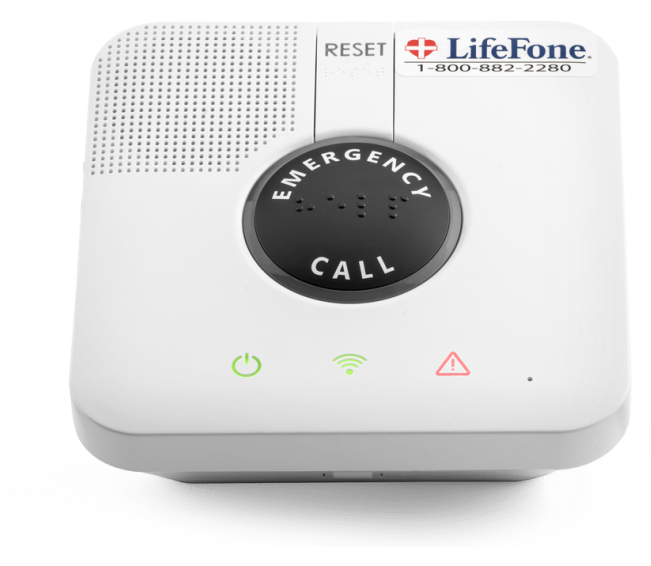
LifeFone Medical Alert Service
One of the longer-established US monitored providers. Plans from $24.95/mo on annual billing.
See LifeFone’s PlansWho genuinely needs monitored service — and who does not
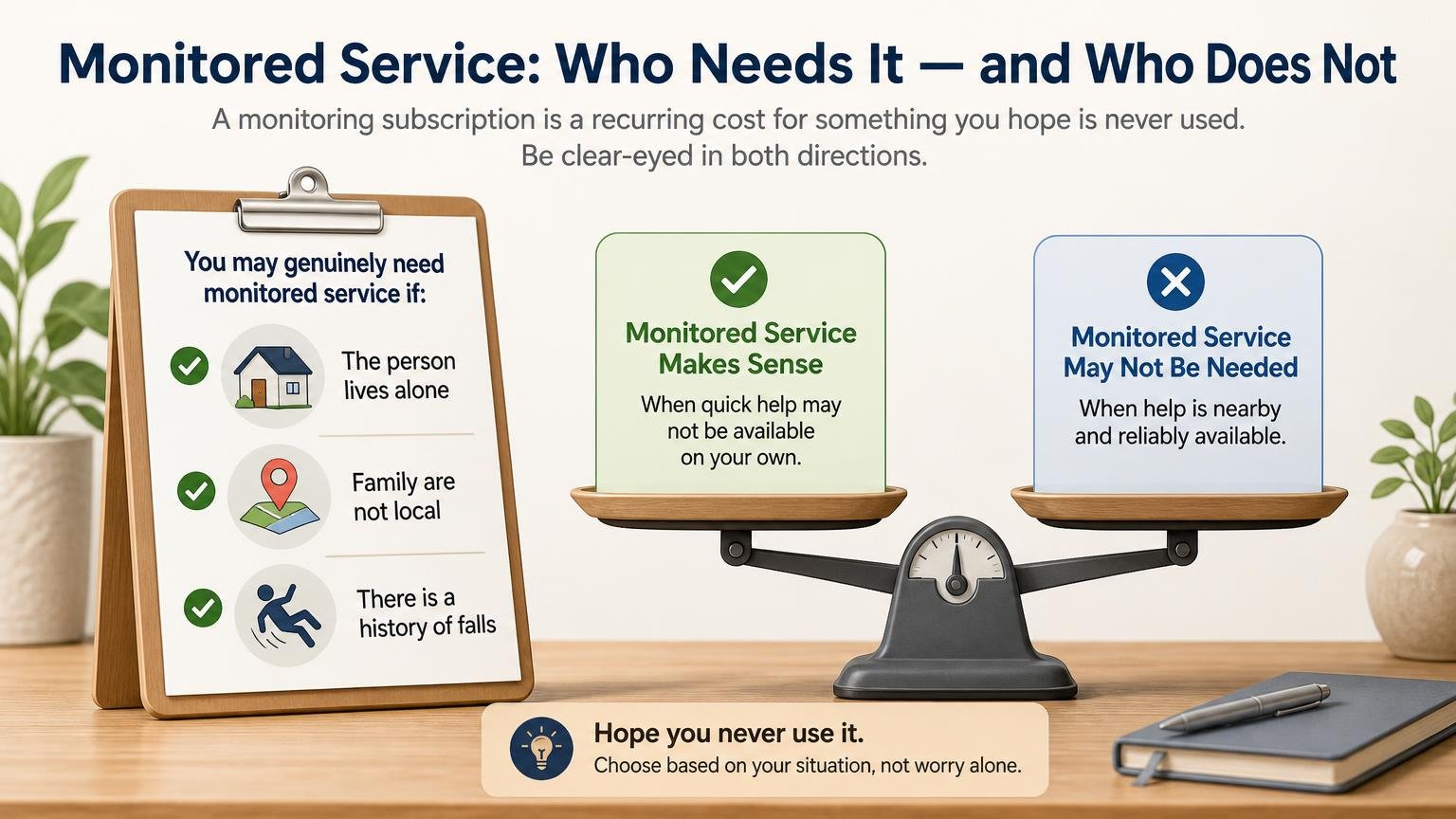
A monitoring subscription is a recurring cost for something you hope is never used. That is worth being clear-eyed about, in both directions.
It earns its fee when:
- The person lives alone, or is alone for long stretches of the day or night.
- Family are not local, or work shifts, or sleep through phones. A call centre does not.
- There is a history of falls, or a condition that makes one more likely — and getting up unaided afterwards is not realistic.
- The person could not explain their own situation to a responder — a monitoring centre holds their medical notes and contacts on file.
- Someone would be lying on the floor for hours before anyone noticed. This is the scenario that matters most and the one families most often avoid picturing.
It is probably not the right spend when:
- Someone is always in the house. A pager solves "I need you upstairs" far more cheaply than a call centre does.
- The person will not wear it. This is the single most common reason these systems fail, and no amount of monitoring fixes an unworn pendant. It is worth resolving before paying for anything.
- The real problem is loneliness or supervision rather than emergencies. A daily check-in call service, or the kind of tools covered in seniors living alone safety, addresses that far better.
On fall detection, plainly
Automatic fall detection is an optional add-on on nearly every plan. It is genuinely useful — it can summon help when someone is knocked out or too disoriented to press a button. But no fall-detection system catches every fall, and providers say so in their own terms. A slow slide to the floor often reads as normal movement. Treat it as a backstop, never as a substitute for the fall prevention work that stops the fall happening.
How to compare plans without overpaying
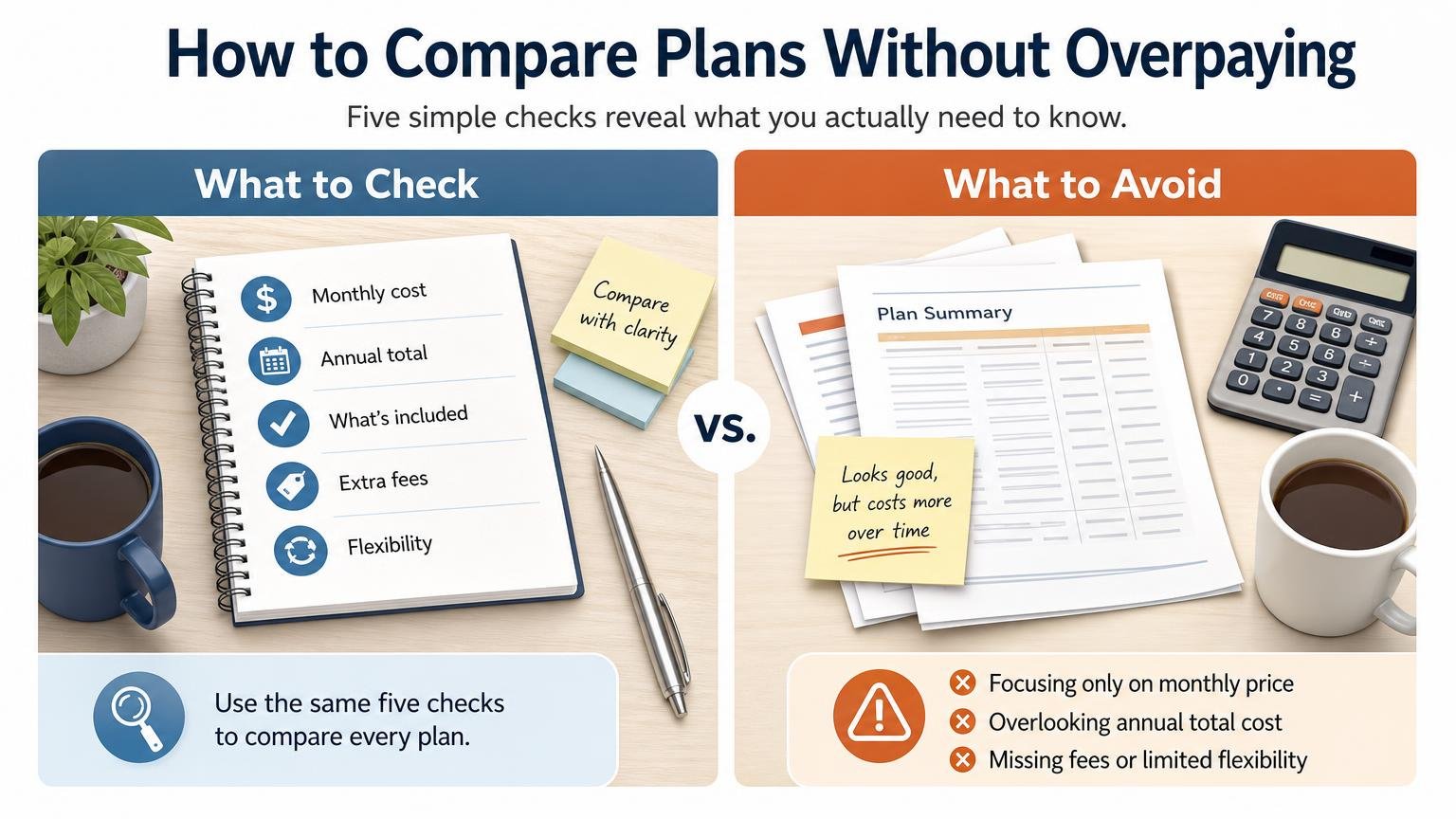
Providers structure their pricing similarly enough that five checks will tell you what you actually need to know.
- 1
Check the billing period behind the headline price
Almost every provider advertises the annual rate. Monthly billing is meaningfully more per month, and quarterly sits in between. A plan that looks cheaper than a rival may simply be quoted differently. Always compare the same billing period.
- 2
Landline or cellular — confirm before ordering
At-home plans come in both. The landline version is usually the cheapest thing a provider sells, but it needs a working landline. Many households have dropped theirs without thinking about it. The cellular equivalent typically costs a few dollars more a month and needs no phone line at all.
- 3
At home only, or on the go?
An at-home system works within a radius of its base station — commonly around 1,000 to 1,300 feet, which covers a house and garden but not a shop. Mobile systems work anywhere with cellular coverage and cost roughly ten to fifteen dollars a month more. Buy mobile only if the person genuinely goes out alone.
- 4
Battery life, and who charges it
Mobile devices need charging, and the interval varies enormously between models — from about a day to a couple of weeks. This is a bigger practical factor than it looks: a device that needs nightly charging is a device that gets left on the charger, and a pendant on a nightstand protects nobody. If the person is forgetful, a long-battery model matters more than almost any feature.
- 5
The add-ons, and what they really cost
Fall detection, caregiver apps, location tracking, daily check-in calls and protection plans are all typically priced separately. Add up what you would actually switch on — the realistic monthly figure is often well above the advertised headline. Then check the cancellation terms and whether equipment must be returned.
The billing period is where the money is
This matters more than any promotion. Providers publish their lowest rate on annual billing, with quarterly in between and monthly highest — and introductory offers are often limited to the longer terms too. LifeFone’s current free-month and free-shipping offer, for example, applies to annual and quarterly plans only. Work out the annual figure for every provider before deciding which is cheapest, because a monthly headline price is not the same product.
LifeFone, plan by plan
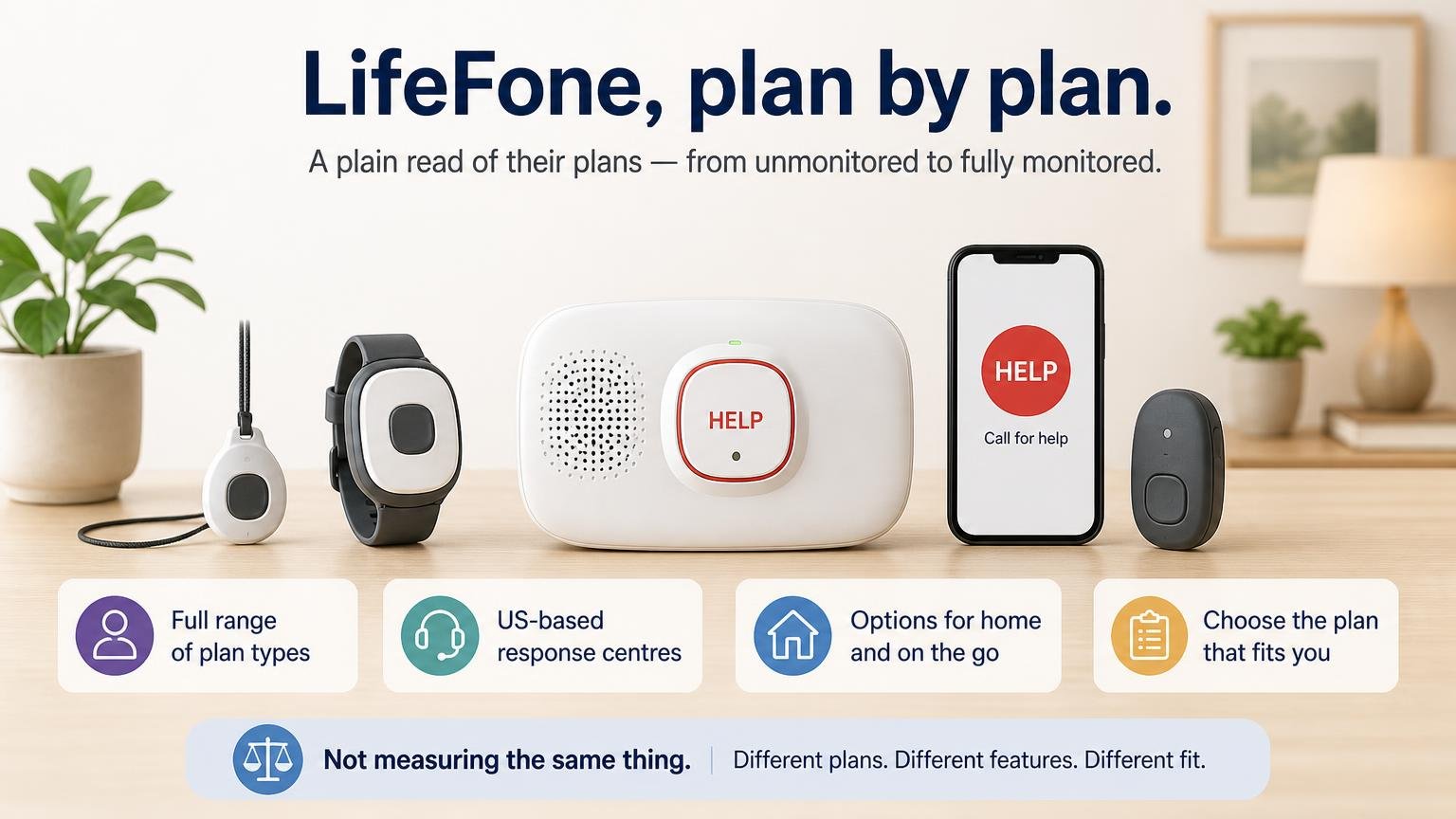
LifeFone is one of the longer-established monitored providers in the US, based in White Plains, New York, with US-based response centres. We have not tested their service, and this is not an award — it is a plain read of what they publish, because their plan lineup covers the full range of situations described above and their pricing is unusually transparent for this category.
Our full LifeFone review goes through all six plans, the add-on costs and where their published figures mislead. All prices below are LifeFone’s own published annual-billing rate, taken from their comparison page rather than from review sites. Quarterly and monthly billing cost more per month. Every plan supports optional fall detection at additional monthly cost, and every plan can be cancelled at any time.
| Plan | Where it works | Per month | Battery | Why seniors pick it |
|---|---|---|---|---|
| At-Home Landline | At home | $24.95 | 32 hrs | A landline is already in the house and help is only needed at home |
| At-Home Cellular | At home | $30.95 | 32 hrs | No landline in the house, and help is only needed at home |
| VIP Active | At home & on the go | $37.95 | 5 days | The cheapest way into on-the-go cover, if charging every few days is realistic |
| VIPx2 | At home & on the go | $39.95 | 18 days | Much the longest battery here, so charging is a fortnightly job rather than a routine |
| VIP flex | At home & on the go | $39.95 | 5 days | Worn on a wristband rather than round the neck |
| Safe Watch Active | At home & on the go | $43.95 | 24 hrs | Looks like a smartwatch, for someone who will not wear an obvious alert pendant |
A note on that battery column
The at-home figure and the mobile figure are not measuring the same thing. For the mobile devices it is how long the wearable lasts between charges. For the at-home systems, 32 hours is the base station’s backup during a power cut — the wearable button itself is designed to last far longer, and LifeFone quotes it separately. Worth confirming with them for the specific plan rather than reading the two columns as comparable.
Which LifeFone plan fits which situation
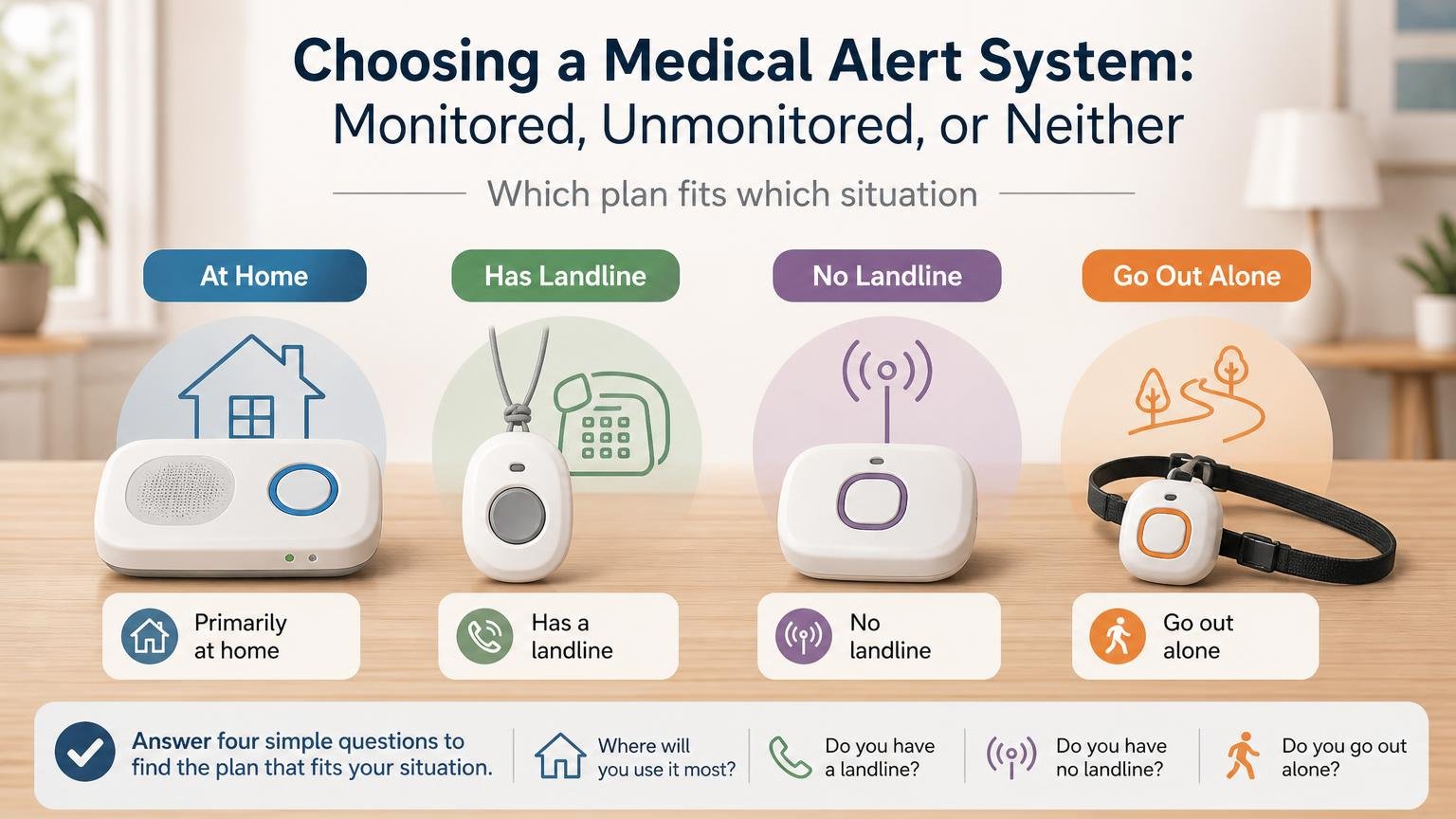
If you have decided a monitored service is right and LifeFone is on your shortlist, these are the four questions that narrow six plans down to one.
| If this is true | The plan that fits | Per month |
|---|---|---|
| Help is only needed at home, and the house has a landline | At-Home Landline | $24.95 |
| Help is only needed at home, and there is no landline | At-Home Cellular | $30.95 |
| They go out alone, and someone will charge it every few days | VIP Active | $37.95 |
| They go out alone, and charging will be forgotten | VIPx2 — by far the longest battery | $39.95 |
| They will not wear a pendant round the neck | VIP flex (wristband) or Safe Watch Active (looks like a watch) | $39.95–$43.95 |
| Family want visibility — location, activity, battery status | VIPx2 with the optional caregiver app | $39.95 + app |
If you are the adult child buying this for a parent
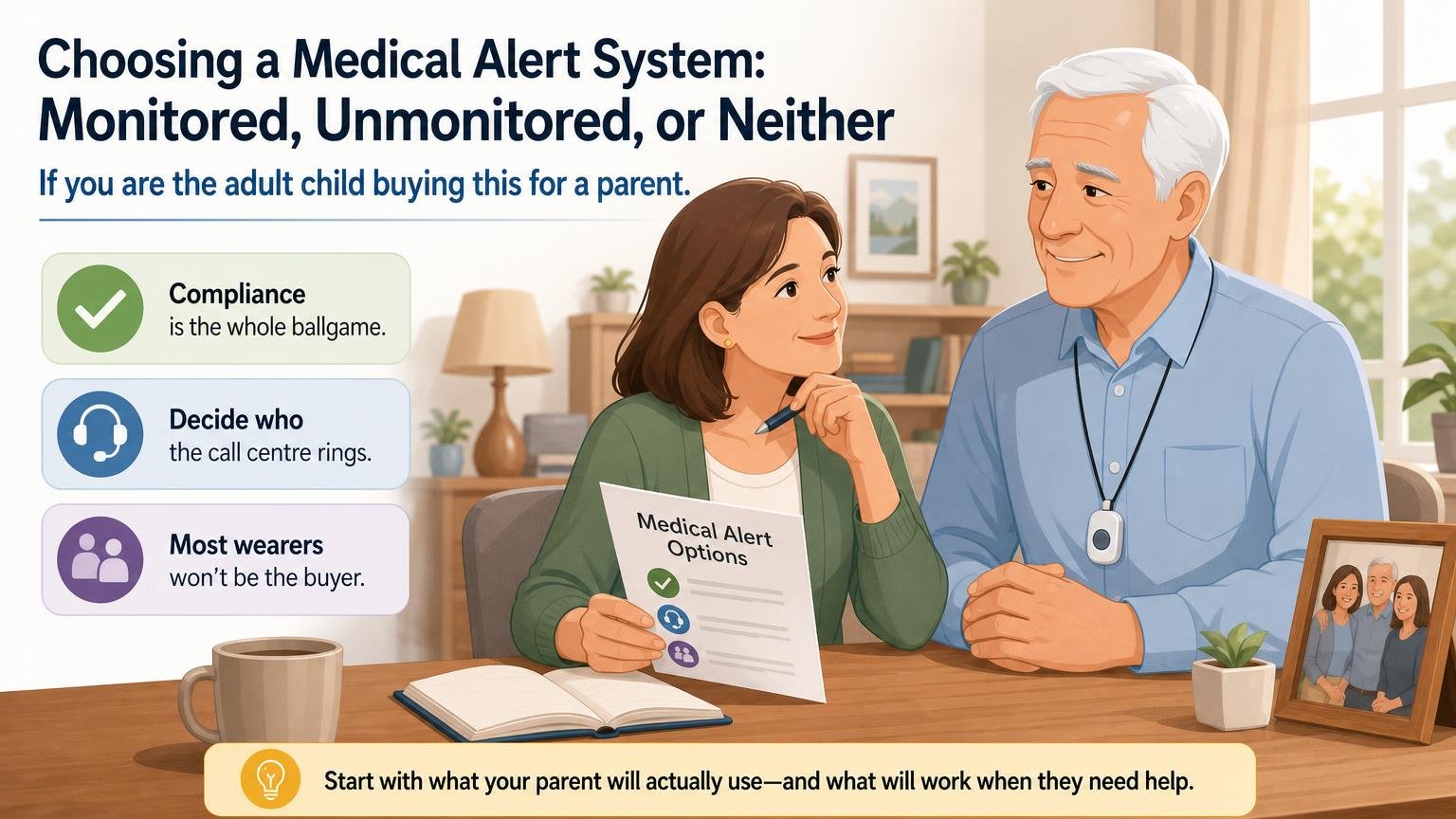
Most people reading this are not the person who will wear the device. That changes the problem in three ways worth naming.
The purchase is easy; the conversation is not. A pendant can read as a verdict on someone’s independence. It usually lands better framed around what it protects — staying in their own home longer — than around what it prevents. Our guide on an elderly parent who refuses help covers this ground properly.
Compliance is the whole ballgame. A system nobody wears is worse than no system, because the family stops worrying. If there is any doubt, choose on wearability first — a watch or wristband someone will actually keep on beats a better-specified pendant in a drawer.
Decide who the call centre rings. Monitoring services hold a contact list and medical notes. Filling that in carefully at sign-up — in what order, with what instructions, and what the responder should know about medications and conditions — is the part that determines whether the service works well on the night it is needed. Doing it alongside a caregiver emergency binder means it only gets assembled once.
Some providers, LifeFone included, sell an optional caregiver app that reports location, recent button presses and battery level. That is genuinely reassuring for a family at a distance — and it is also a monthly add-on, so it belongs in the total you compare, not in the headline price.
Frequently asked questions
What is the difference between a monitored and an unmonitored medical alert system?
A monitored system connects to a staffed 24/7 emergency call centre, for a monthly fee. Trained operators can speak to the person through the device, consult their medical notes, contact family, and dispatch emergency services. An unmonitored device instead calls or texts family contacts directly and has no monthly fee, but depends entirely on someone answering. Which is right turns on whether there is someone reliably reachable at any hour.
How much do monitored medical alert systems cost?
Generally $25 to $45 a month on annual billing, with no equipment cost from most providers. Monthly and quarterly billing cost more per month than annual. Optional extras — fall detection, caregiver apps, location tracking, daily check-in calls — are priced separately and can add meaningfully to the total, so add up what you would actually switch on before comparing providers.
Does fall detection actually work?
It works often enough to be worth having, and not reliably enough to depend on. Accelerometer-based detection catches many hard falls, but a slow slide to the floor can read as normal movement, and providers state in their own terms that not every fall is detected. Treat it as a backstop for the case where someone cannot press the button, not as a reason to worry less about preventing falls.
Do I need a landline for a medical alert system?
Not any more. Landline plans are usually the cheapest option a provider sells, but every major provider now offers a cellular at-home equivalent that needs no phone line, typically for a few dollars more per month. Check which one you are ordering — buying the cheaper landline plan for a house that no longer has a landline is a common and avoidable mistake.
Does Medicare pay for a medical alert system?
Original Medicare does not cover medical alert systems — they are not classed as durable medical equipment. Some Medicare Advantage plans include them as a supplemental benefit, and some state Medicaid programmes cover them in certain circumstances, so both are worth one phone call before assuming you will pay privately. Some providers state that their service is covered by Medicaid in some states; confirm with the provider and your plan rather than relying on marketing copy.
What happens if the person presses the button by accident?
Nothing bad. The operator answers, the person says it was a mistake, and that is the end of it. This is worth telling someone explicitly, because fear of "causing a fuss" is one of the main reasons people hesitate to press the button in a real emergency — and the operators are used to it.
How long does the battery last on a mobile medical alert device?
It varies far more than most buyers expect — from around a day on some smartwatch-style devices to a couple of weeks on the longest-lasting pendants. This matters more than it sounds: a device needing nightly charging often ends up left on the charger. If the person is forgetful, prioritise battery life over almost any other feature.
Can I cancel a medical alert subscription?
Most providers allow cancellation at any time without a long-term contract, but the details differ on refunds of prepaid annual plans, whether equipment must be returned, and what happens if it is not returned on time. Read those terms before ordering rather than after, particularly if you have prepaid a year to get the lower monthly rate.
Sources
- Medicare.gov. Durable Medical Equipment (DME) Coverage
