
ElderlyDaily original · Planning & paperwork
After a Parent Dies: Executor Checklist & Estate Organizer
Every call, account, bill and form after a parent dies, in the right order: a fillable organizer, a tracker spreadsheet and five ready-to-use letters.
- 53 fillable pages across 11 sections
- The first 48 hours on a single page
- Estate Tracker spreadsheet with 64 tasks listed
- 5 letter templates (Word / Google Docs)
One-time purchaseInstant download53-page fillable PDF + spreadsheet + letters
Checkout is handled securely by Gumroad.
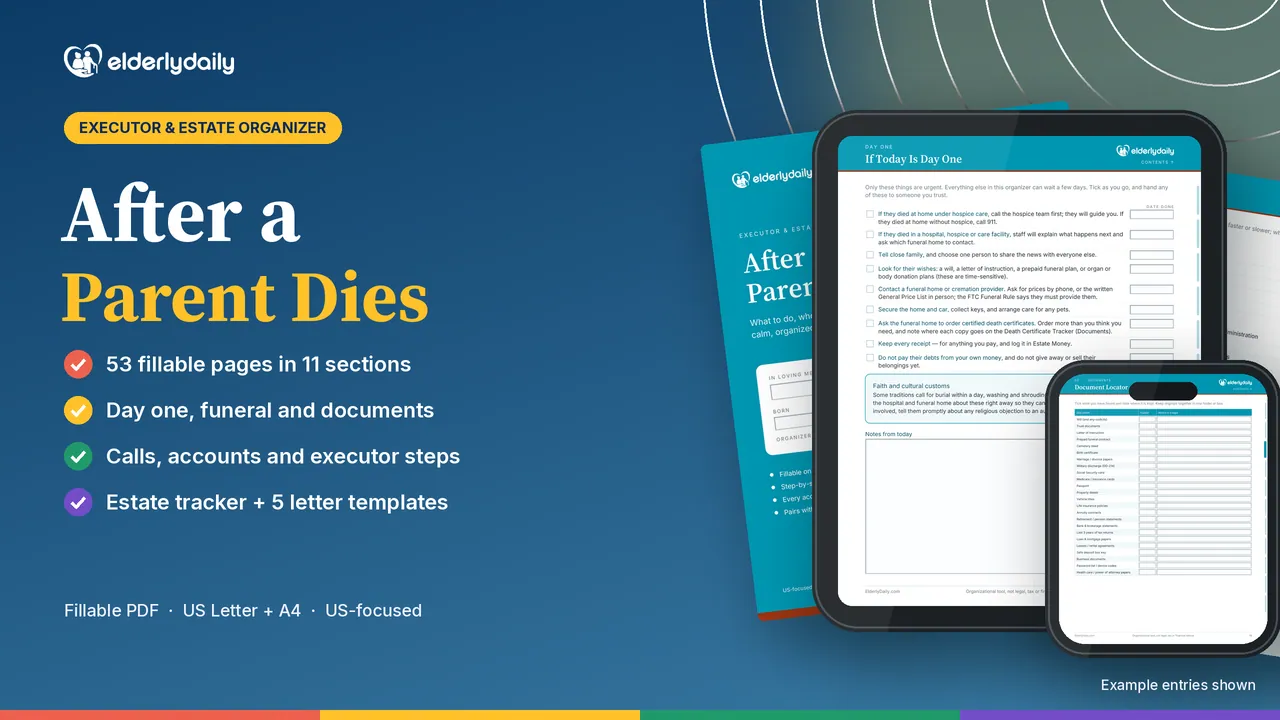
When a parent dies, the paperwork arrives with the grief: calls to make, accounts to close, a funeral to plan and an estate to settle. This organizer gives each task a place and puts them in order, starting with a single page for the first 48 hours.
It tells you what to do, not just where to write: checklists, a call script and a week-by-week executor timeline, grounded in official sources from Social Security, the IRS, the FTC, the VA and USA.gov. It leaves room for religious customs and timing, such as burial within a day.
What's inside
Every section, page by page
The first days
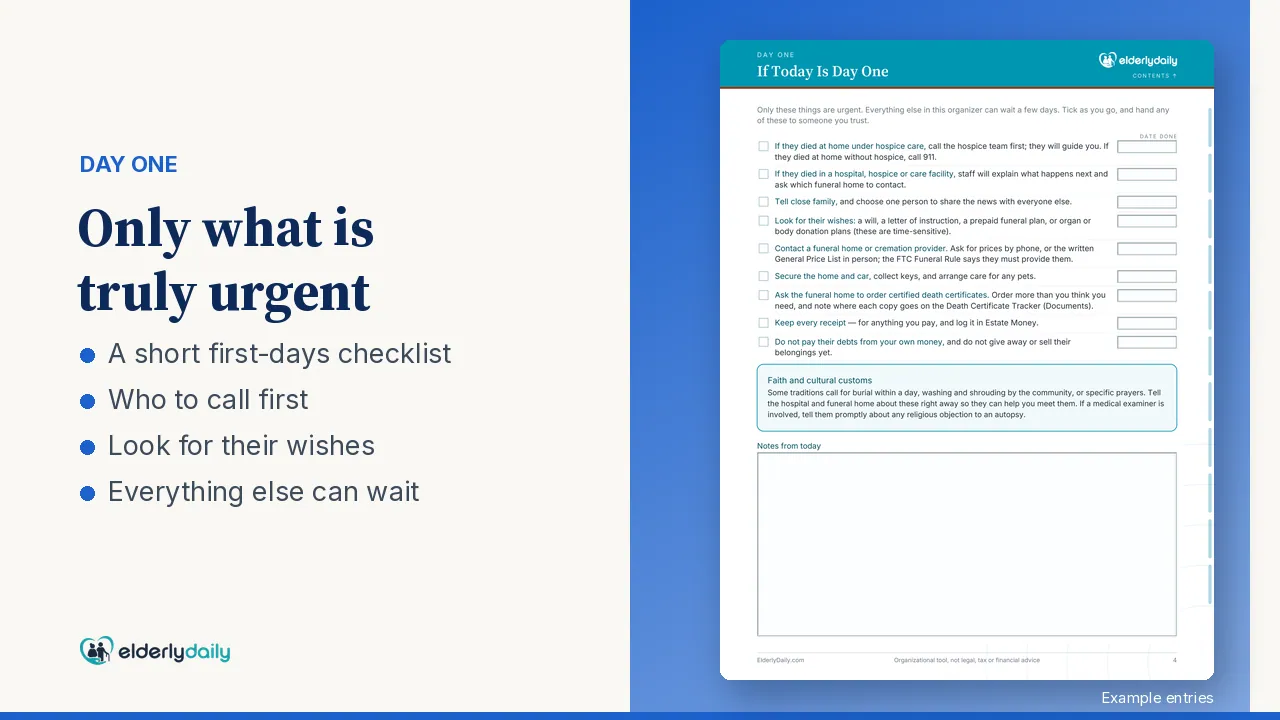
- If today is day one: the first 48 hours on a single page
- Their key details, who has been told, your team and sharing the work
Funeral & memorial
- Their wishes and the arrangements
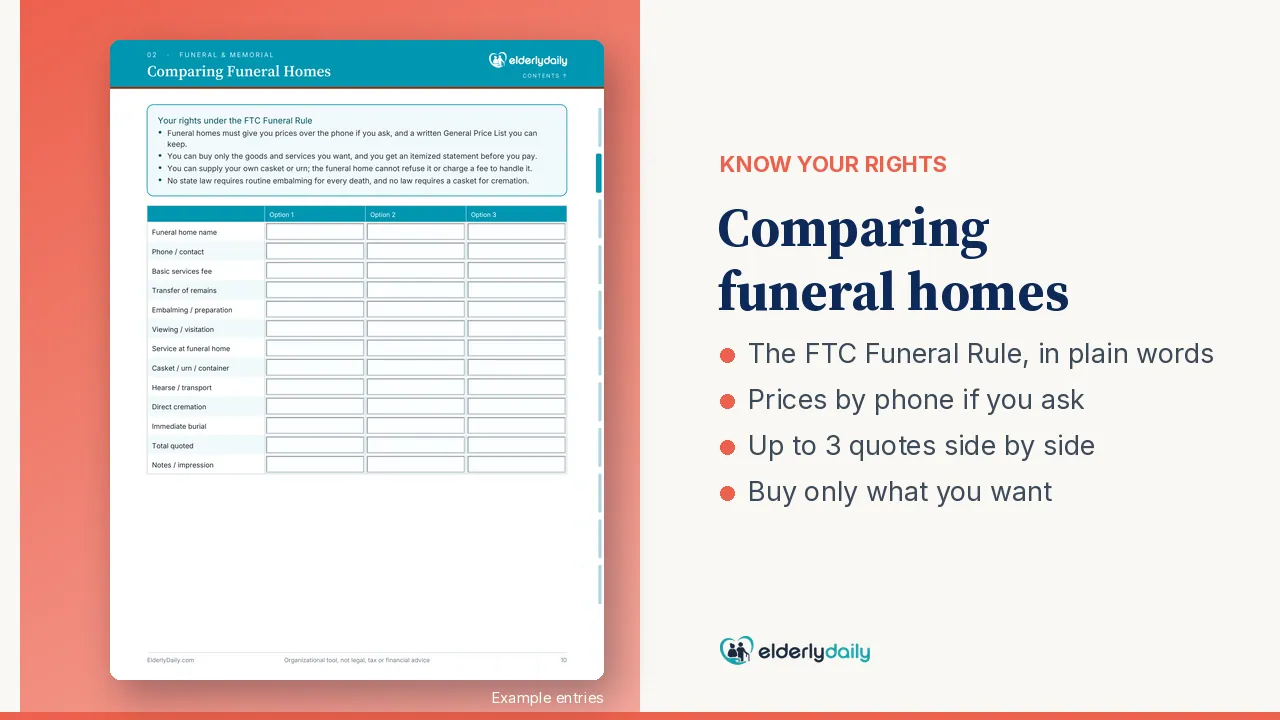
- A side-by-side funeral home comparison, with your FTC Funeral Rule rights
- Obituary, costs and thank-yous
Documents & notifications
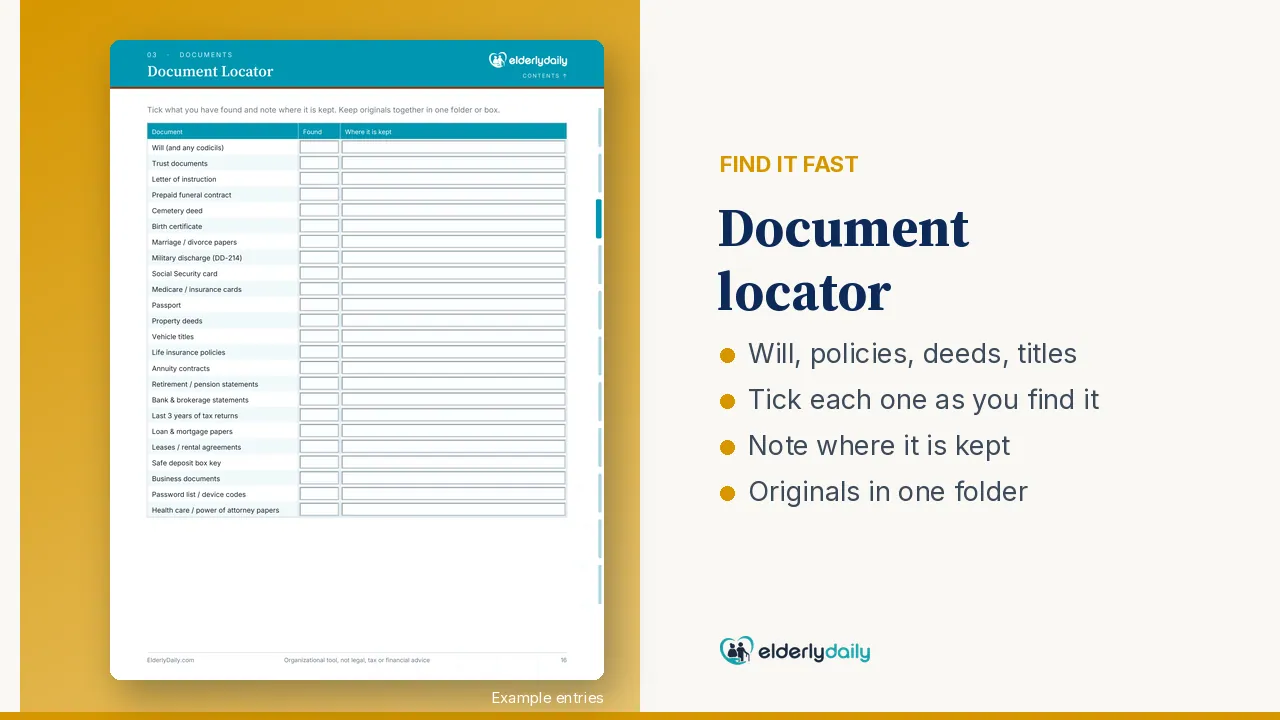
- A death certificate tracker and a locator for 24 key documents
- Safe deposit box and keys
- A call script, government, financial and household checklists, and a call log
The executor role
- What an executor does
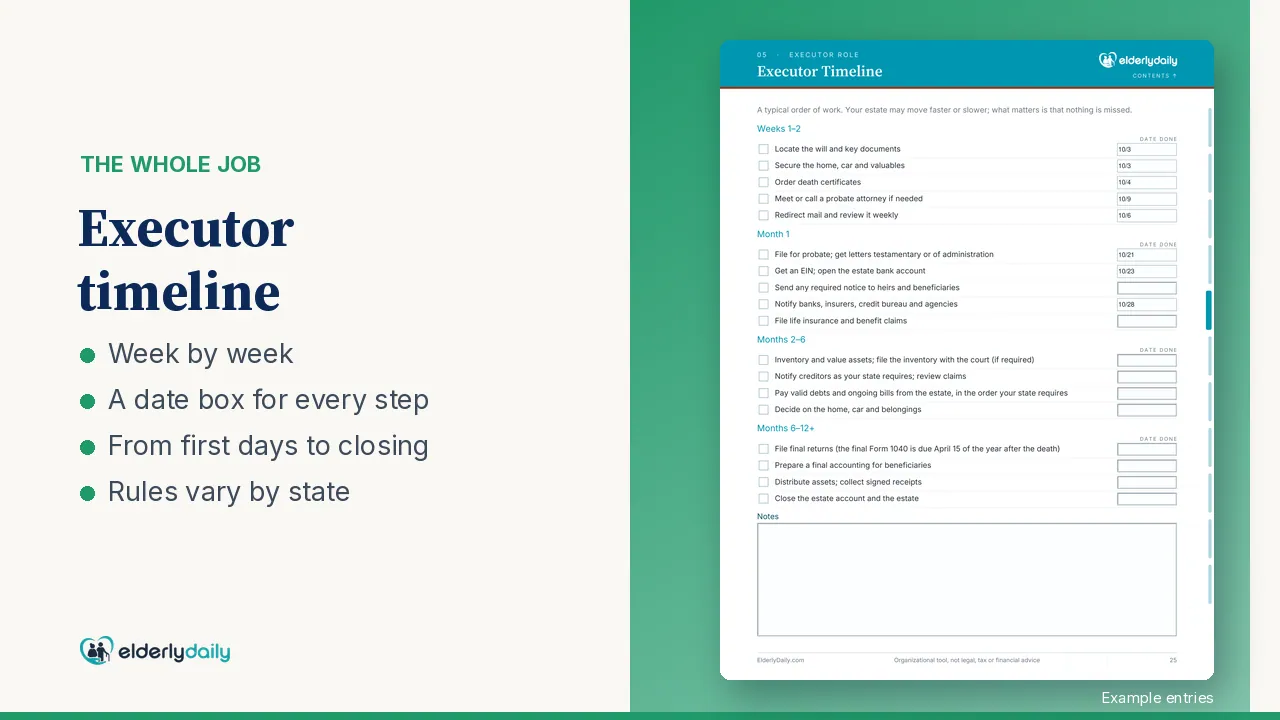
- A week-by-week timeline
- Probate and court record, estate account and EIN
Assets, debts & estate money
- Bank, retirement, life insurance, real estate, vehicles, valuables, digital life and unclaimed property
- What the estate owes, and recurring bills to cancel or keep
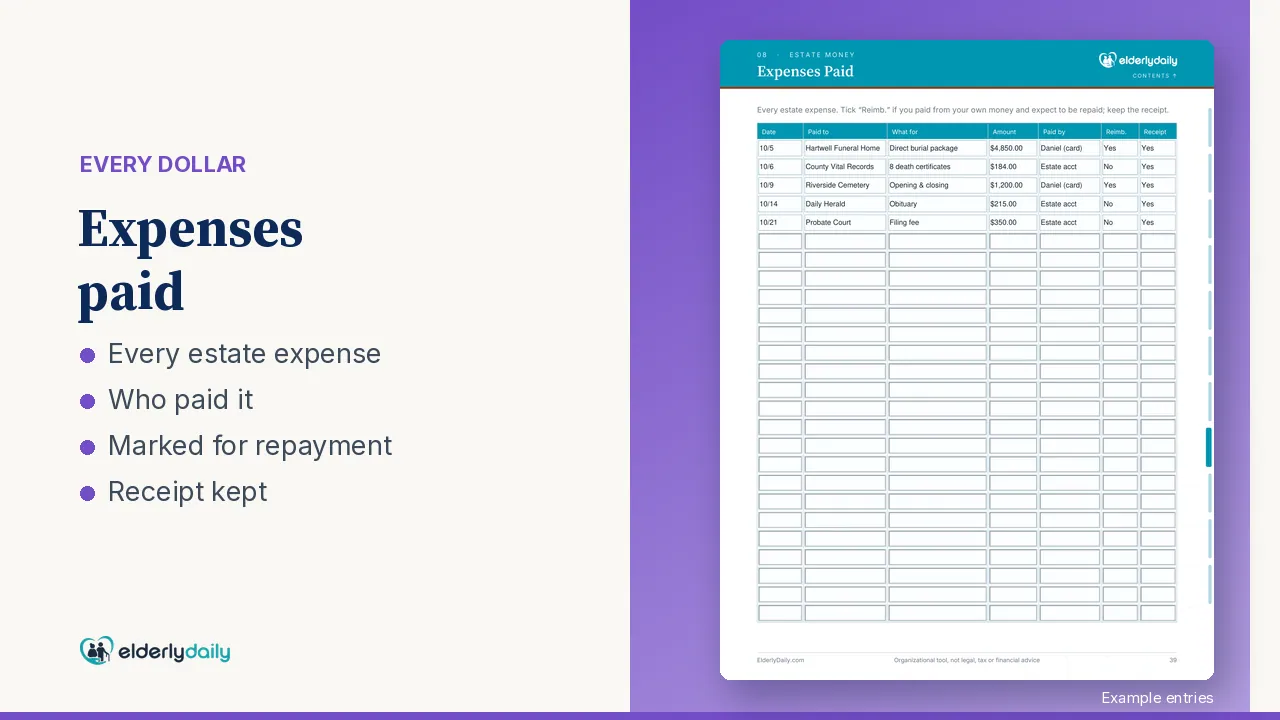
- Money received, expenses and reimbursements, and distributions to beneficiaries
Home, taxes & you
- Securing the home, pets, who gets what and clearing the home
- Taxes and wrapping up
- Caring for yourself, plus a page of official resources
Bonuses
- Estate Tracker for Excel and Google Sheets: a progress dashboard, 64 tasks and 46 organizations already listed, and totals that add themselves up
- 5 letter templates: bank, creditor, credit bureau, cancel a service, employer or pension plan
- A Quick-Start Guide for every device
Preview
A closer look
Images from the product listing.
Who it’s for
- Adult children settling a parent's affairs
- Executors and personal representatives, especially first-timers
- Families sharing the work between siblings
How to use it
- 1Open "If today is day one" first: it covers the first 48 hours.
- 2Write down who has been told and who is helping, so the work can be shared.
- 3Work through the notifications with the call script, and log each call.
- 4Track assets, debts, expenses and reimbursements in the Estate Tracker.
- 5Use the letter templates for banks, creditors and services.
Instant download
Executor Checklist & Estate Organizer
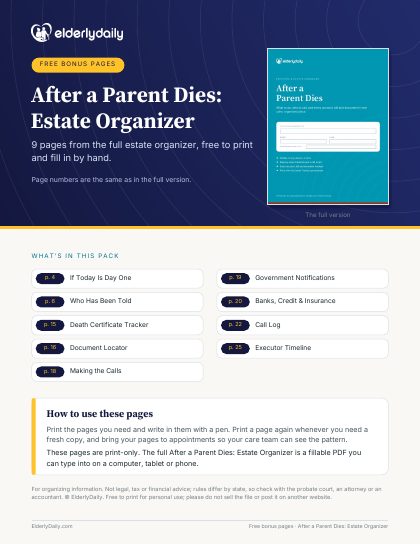
Not ready yet? Get 9 free pages from the Estate Organizer
9 print-only pages from the full version: if today is day one, who has been told, a death certificate tracker, a document locator, making the calls, government and bank notifications, a call log and the executor timeline. US Letter and A4. We’ll email them to you, plus a few tips after that. Unsubscribe anytime.
Save with a bundle
Also in these bundles
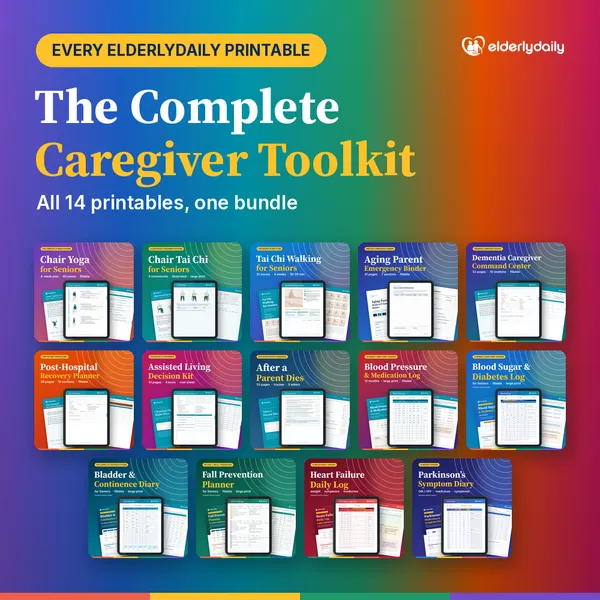
Executor Checklist & Estate Organizer is included in each of these.

Who makes these
Every ElderlyDaily printable is designed by SK Kutubuddin, who founded ElderlyDaily as a family caregiver. Where a page uses official guidance, such as the CDC’s fall-risk questions or the American Heart Association’s blood pressure categories, it names the source. About ElderlyDaily · Editorial policy
Questions
Good to know
What software do I need?
A PDF app for the organizer (fillable, US Letter and A4), Excel or Google Sheets for the Estate Tracker, and Word or Google Docs for the five letter templates.
Do I still need a lawyer?
The organizer is not legal, tax or financial advice. Estate and probate rules vary by state, and a probate attorney or tax professional can tell you exactly what applies to you.
Is it only for the US?
It is US-focused, drawing on Social Security, the IRS, the FTC, the VA and USA.gov.
Does it allow for religious customs?
Yes. It leaves room for religious customs and timing, such as burial within a day.
Can I get a refund?
Because it is an instant digital download, all sales are final. If a file will not open or download, email sk@elderlydaily.com and we will make it right.
Free on ElderlyDaily
Related guides and tools
More from the shop
You may also need
An organizational tool, not legal, tax or financial advice. US-focused: estate and probate rules vary by state.
