
Printable Doctor Visit Notes: Free Appointment Checklist and Log (PDF)

The checklist follows the Agency for Healthcare Research and Quality (AHRQ) tips for patients. These are notes for your own visits, not medical advice.
Appointments are short, and it is easy to forget a question or what the doctor said by the time you get home. These free printable doctor visit notes help with both: a checklist for before, during and after the visit, a one-page health summary and medicine list to bring along, and a page for each appointment. Type into them on screen, or print as many copies as you need.
Key takeaways
- Free printable doctor visit notes in large print, 7 pages, with no sign-up.
- A before, during and after checklist based on AHRQ’s tips for patients.
- A health summary (conditions, surgeries, allergies, doctors) and a medicine list to bring to every appointment.
- Two visit notes pages: your questions, what the doctor said, medicine changes, tests and next steps, plus an appointment log.
- Fill it in on screen or print it. US Letter and A4, color and black and white.
Quick answer
Where can I get free printable doctor visit notes?
Download them free here: the printable doctor visit notes (PDF) include a checklist for before, during and after the appointment, a health summary, a medicine list, visit notes pages and an appointment log, all in large print. You can type into them on screen or print them. There are black-and-white and A4 editions too. No email or sign-up is needed.
Download the free doctor visit notes
All four files have the same seven pages. Pick the paper size you use: US Letter in the US and Canada, A4 almost everywhere else.
- Doctor Visit Notes, color, US Letter (PDF, 7 pages)
- Doctor Visit Notes, black and white, US Letter (PDF, 7 pages)
- Doctor Visit Notes, color, A4 (PDF, 7 pages)
- Doctor Visit Notes, black and white, A4 (PDF, 7 pages)
Fill in the health summary and medicine list once and keep them up to date. Print a fresh visit notes page for each appointment.
Filling it in on screen
Open the PDF in Chrome, Edge or Adobe Acrobat Reader. Click any box to type, or click a tick box to check it. When you are done, download or save the file so your notes are kept, or print it.
Bonus: Health Tracker Pack
An ElderlyDaily original
Bringing someone home from the hospital?
Post-Hospital Recovery Planner
- Discharge snapshot: care team, who to call and when, insurance and documents
- Medication reconciliation, a master list, a daily record and refills
- Daily recovery log, vitals log, and a symptom and pain log
One-off purchase. Instant download.
Fillable PDF · 38 pages · US Letter + A4
What is inside
- Page 1 — Cover.
- Page 2 — Getting ready for a visit: a tick list for before, during and after the appointment.
- Page 3 — My health summary: contact and insurance details, conditions, past surgeries and hospital stays, allergies, and your doctors and pharmacy.
- Page 4 — My medicines: everything you take, with the dose, when, what it is for and who prescribed it.
- Pages 5 and 6 — Visit notes: one page per appointment, from your questions to what you do next.
- Page 7 — Appointment log: every visit on one line, so you can see the whole year at a glance.
Before the appointment
The Agency for Healthcare Research and Quality suggests the first three of these before the visit; the fourth helps many families too:
- 1
Bring all your medicines
prescriptions, non-prescription medicines such as aspirin or antacids, vitamins and supplements, or bring the medicine list from page 4.
- 2
Write down your questions
and put the most important ones first, in case time runs short.
- 3
Know your medical history
your current conditions, past surgeries and illnesses. The health summary on page 3 holds them.
- 4
Bring someone along if it helps
to listen, take notes and remember what was said.
During the appointment
AHRQ’s tips for during the visit come down to making sure you understand before you leave:
- Explain your symptoms, your health history and any problems you have had with medicines.
- Ask questions until you understand what the doctor is telling you, and say if you are worried about following the instructions.
- If a treatment is recommended, ask about the options.
- If you need a test, ask how it is done, how it will feel, how to get ready and how you will get the results.
- Ask for written instructions before you leave.
After the appointment
And after the visit:
- Follow the instructions, and call the office if anything is unclear once you are home.
- Talk with your doctor or pharmacist before you stop any medicine your doctor prescribed.
- Call if your symptoms get worse, or if you have trouble following the instructions.
- Book any tests or specialist visits, and call for test results if you have not heard.
For caregivers going to appointments with a parent
- Agree beforehand on the top three questions, and who will ask them.
- Let your parent speak first, then fill in what they leave out.
- Write down what the doctor says on the visit notes page, especially medicine changes and when to call.
- Keep the medicine list current after every visit, and bring it to the pharmacy too.
More free printables
See all 24 free printables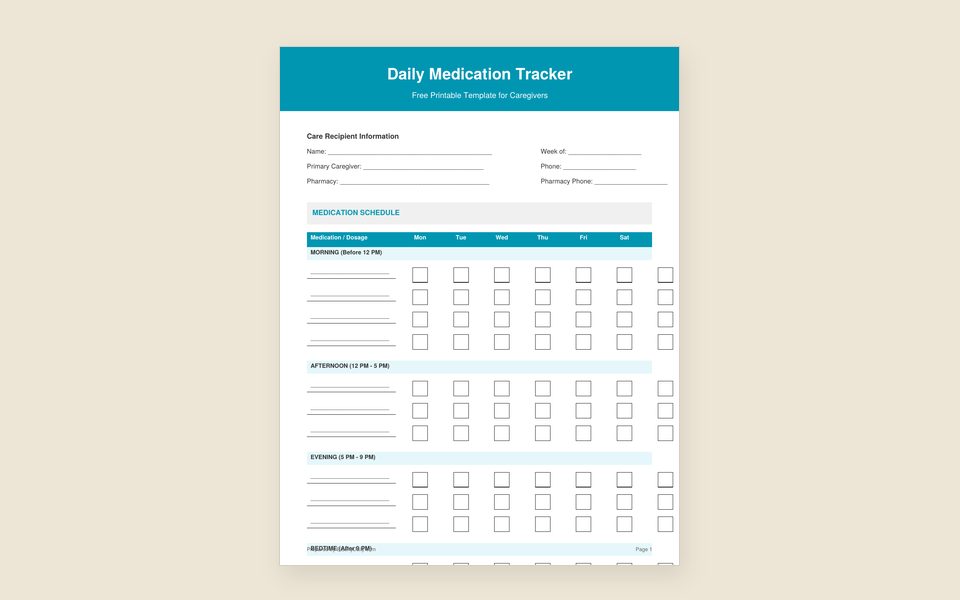 Daily Medication ChartMorning, afternoon and evening checkboxes that help prevent missed or double doses.Free PDF, no sign-up
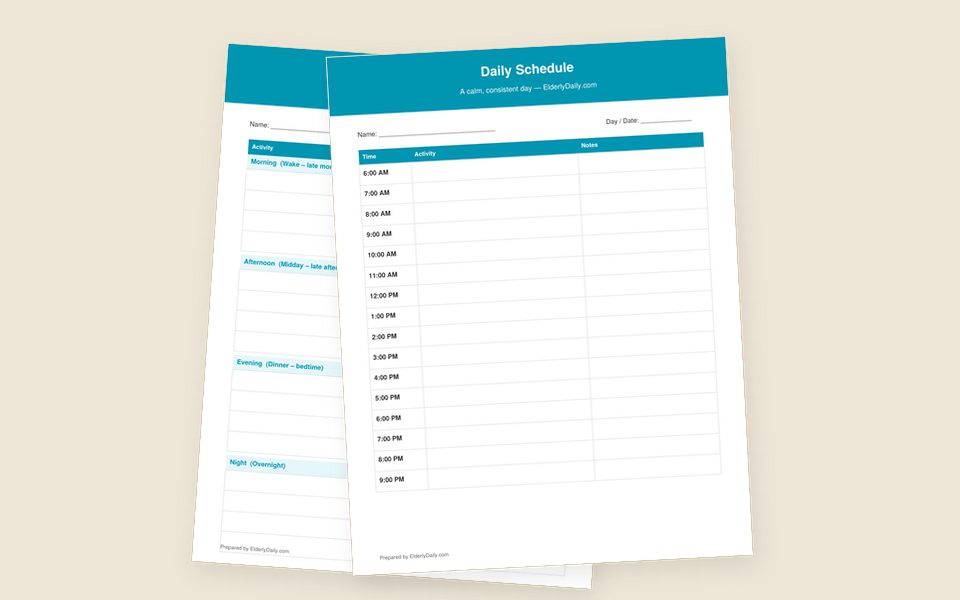 Daily Schedule TemplateBlank hourly and time-block layouts, plus a sample daily routine to copy.Free PDF, no sign-up
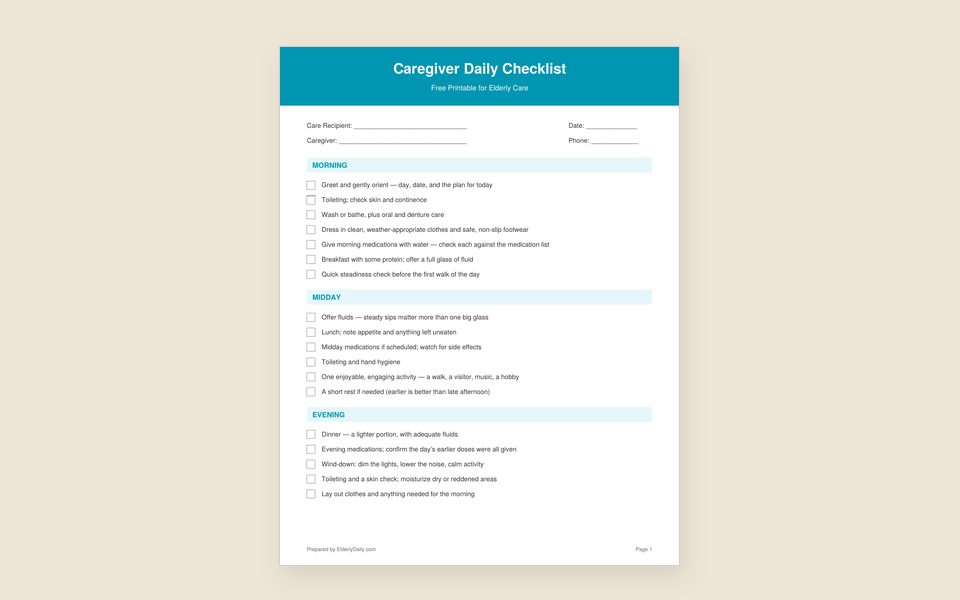 Caregiver Daily ChecklistMedication, meals, hygiene, mobility and safety tasks, laid out by time of day.Free PDF, no sign-up
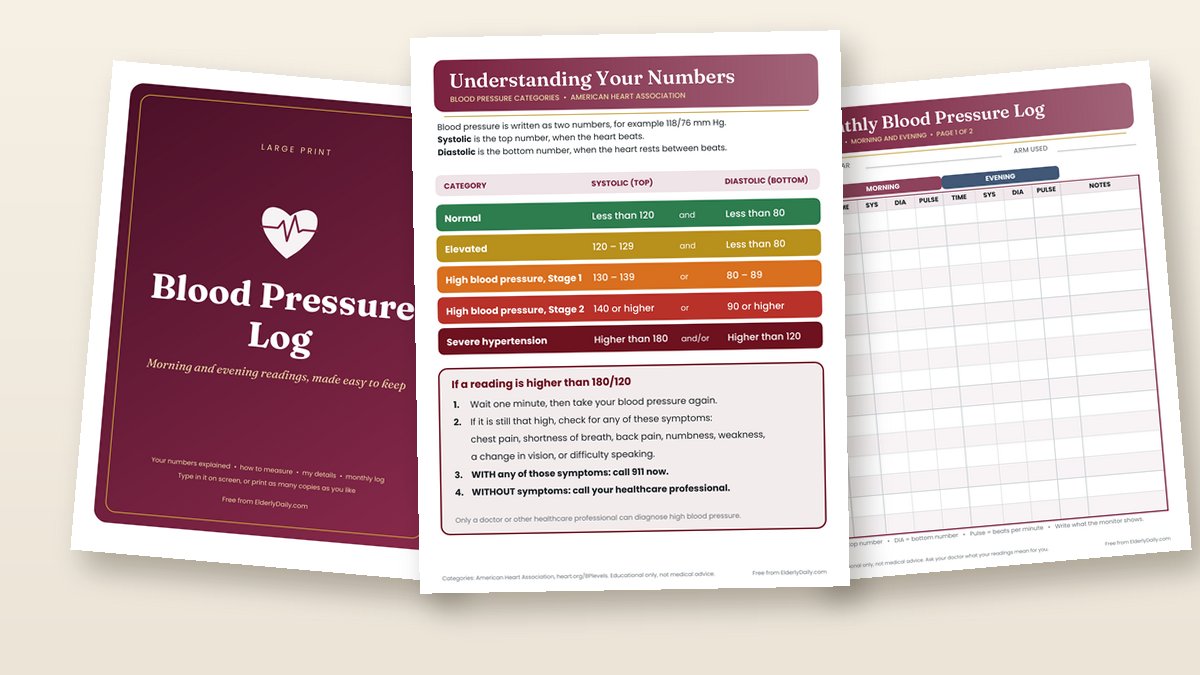 Blood Pressure LogA large-print monthly chart for morning and evening readings, with the American Heart Association categories.Free PDF, no sign-up
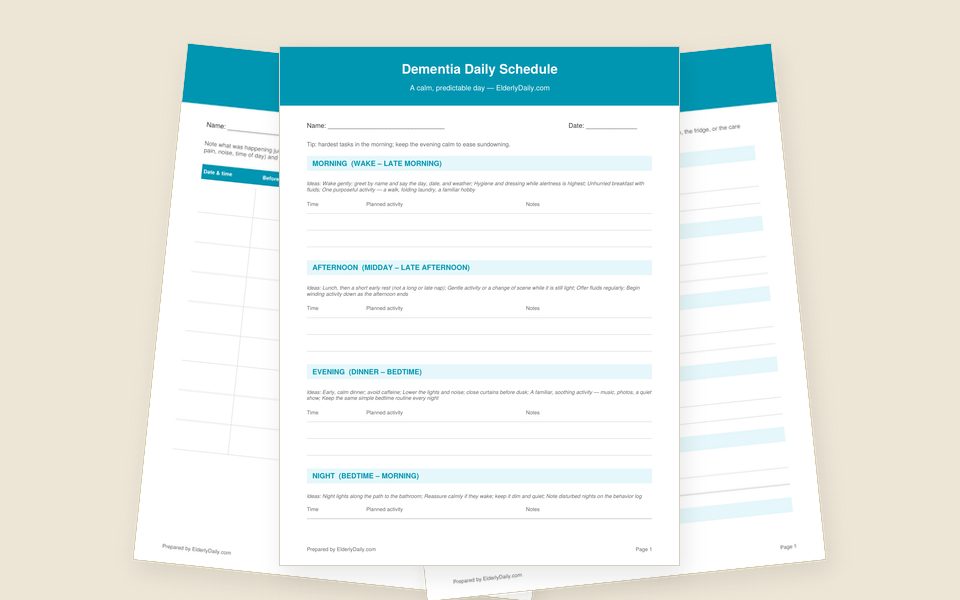 Dementia Care ToolkitA daily schedule, a sundowning and behavior log, and an All About Me profile.Free PDF, no sign-up
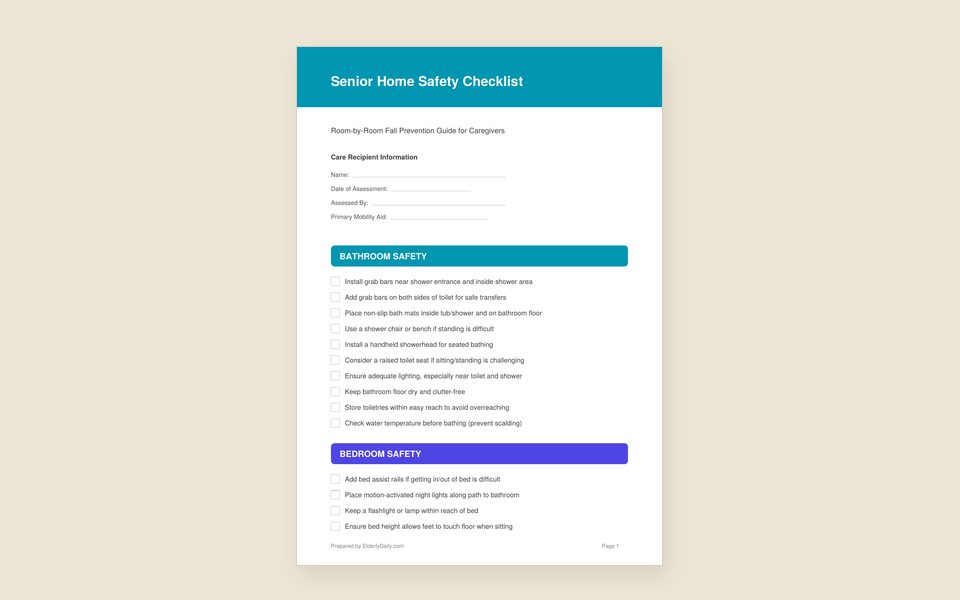 Home Safety ChecklistA room-by-room walk-through for fall hazards, the bathroom, the bedroom and emergencies.Free PDF, no sign-up
Frequently asked questions
Are these doctor visit notes really free?
Yes. All four PDFs download directly, with no email address, sign-up or payment. Print or fill in as many copies as you like for personal use.
What should I bring to a doctor’s appointment?
All the medicines you take, including non-prescription medicines, vitamins and supplements, or an up-to-date list of them; your questions written down; and your health history. The medicine list and health summary pages hold all of it.
What questions should I ask the doctor?
Start with the questions that matter most to you. AHRQ suggests asking about your medicines, any test you need, and any surgery or treatment, including the options. If a test is ordered, ask how it is done, how to get ready and how you will get the results.
Can I fill in the notes on my computer or tablet?
Yes. Open the PDF in Chrome, Edge or Adobe Acrobat Reader, click any box and type, then download or save the file. On a tablet, Adobe Acrobat Reader works best.
Can a caregiver use these for a parent?
Yes. Many caregivers keep the health summary and medicine list for a parent and bring a fresh visit notes page to each appointment, so siblings and other helpers can see what was decided.
