
Low Vision Aids for Seniors: A Complete Guide

Educational guidance, not medical advice. A low-vision assessment by an eye-care professional is the best route to the right aids for a specific condition.
When glasses are no longer enough, low vision aids can help people make the most of their remaining vision for reading, hobbies, and everyday independence. This guide covers the full toolkit — from a simple magnifier and better lighting to modern technology — and how to match aids to the person.
Key takeaways
- "Low vision" means vision that glasses, contacts, or surgery cannot fully correct — but a great deal can still be done to help.
- The toolkit is broad: magnification, lighting, contrast and large print, and technology — most people benefit from a combination.
- Lighting and contrast are the cheapest, highest-impact changes and are often underused.
- Match the aid to the task and the eye condition — reading, hobbies, screens, and getting around each have different best tools; a low-vision assessment guides this.
- Combine aids with home changes and safety, since vision loss also raises fall risk.
Quick answer
What low vision aids help seniors?
Low vision aids fall into four groups: magnification (handheld, stand, and electronic video magnifiers), lighting (bright, glare-free task light — one of the highest-impact changes), contrast and large-print tools (high-contrast items, large-print books, big-button devices), and technology (tablets with adjustable text, screen readers, and AI smart glasses). The best results come from combining aids and matching them to the task and the person’s eye condition — ideally via a low-vision assessment.
What "low vision" means
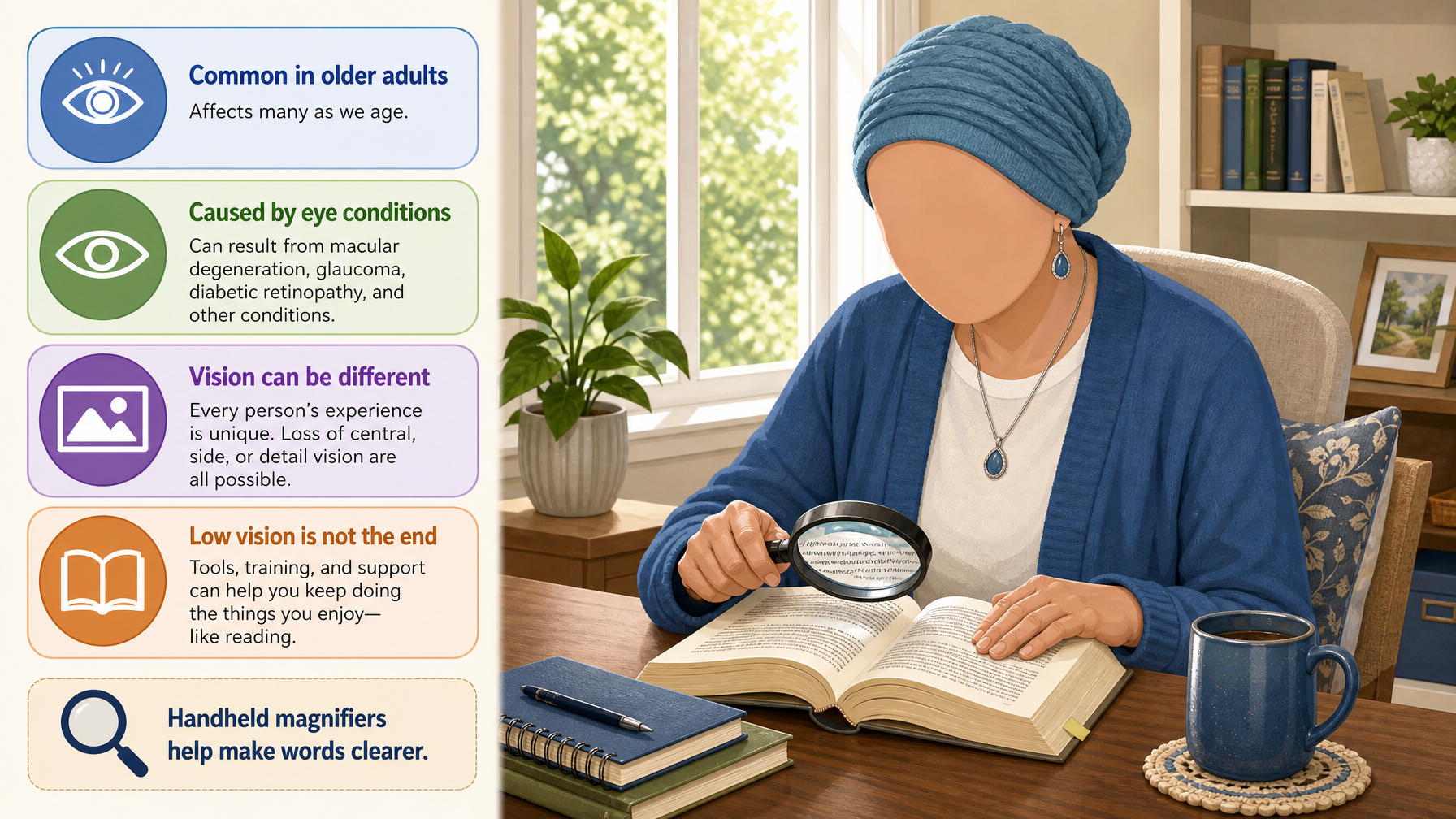
Low vision refers to reduced eyesight that cannot be fully corrected by ordinary glasses, contact lenses, medication, or surgery — the vision that remains after standard treatment. It is common in older adults and often stems from conditions like macular degeneration, glaucoma, diabetic eye disease, or cataracts, each of which affects vision differently (central loss, peripheral loss, blurring, or glare sensitivity).
The crucial, hopeful message is that low vision does not mean the end of reading, hobbies, or independence. A wide range of aids and strategies can make the most of the remaining vision — and because different conditions cause different problems, the right aids depend on the specific eyesight. That is why a professional low-vision assessment is so valuable, and why this guide covers the full toolkit rather than a single "best" device.
Sponsored Pick
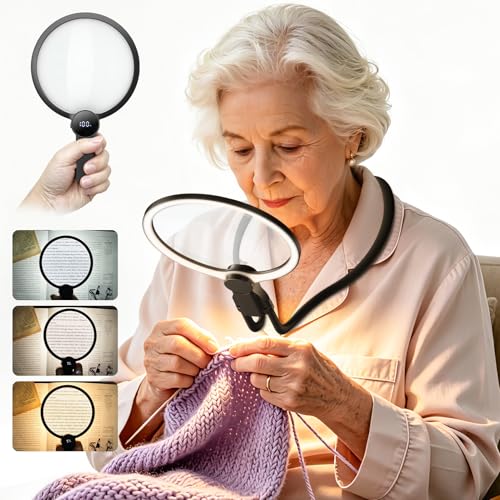
MagniPros Hands-Free Gooseneck Magnifier
Tremor, arthritis, or anyone who finds holding a magnifier steady for more than a minute tiring.
Check PriceMagnification: from simple to electronic
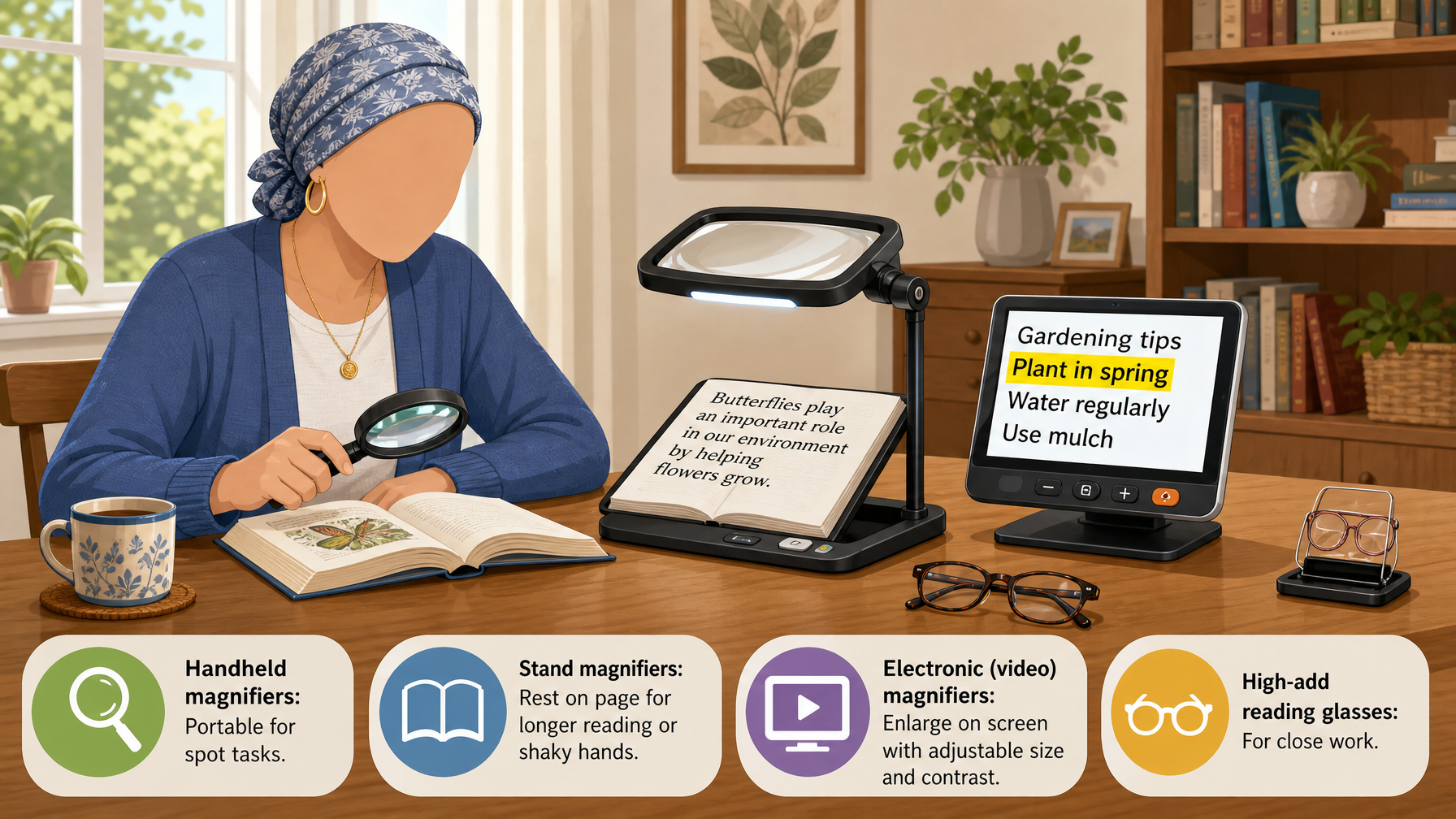
Magnifiers enlarge text and detail and are the classic low-vision aid. They range widely, and different types suit different tasks:
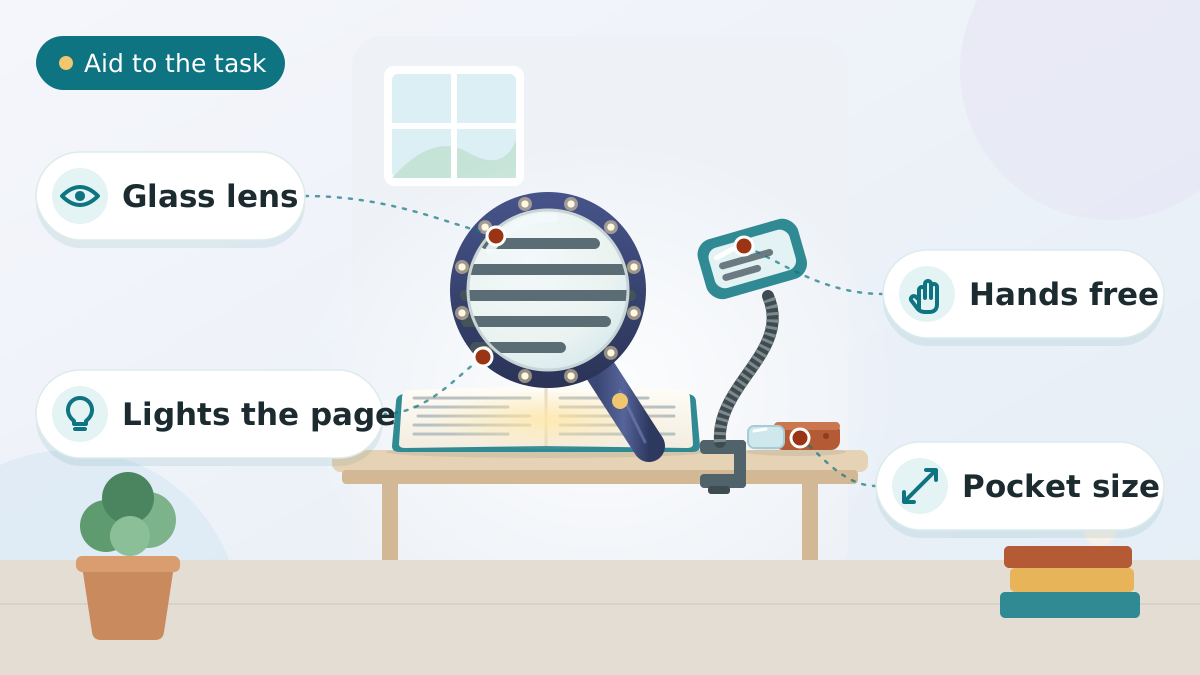
- Handheld magnifiers — portable and simple for spot tasks like reading a label, a menu, or the mail; many include a built-in light.
- Stand magnifiers — rest on the page at a fixed focus, steadier for longer reading and helpful for hands affected by arthritis or tremor.
- Electronic (video) magnifiers — a camera enlarges text onto a screen, with adjustable size and contrast; desktop versions suit sustained reading and hobbies, and portable ones travel. These often help most with more significant loss.
- Magnifying glasses and high-add reading glasses prescribed for near tasks.
Try before committing where possible — the right magnification strength and type depend on the eye condition and the task.
Lighting and contrast: cheap and powerful
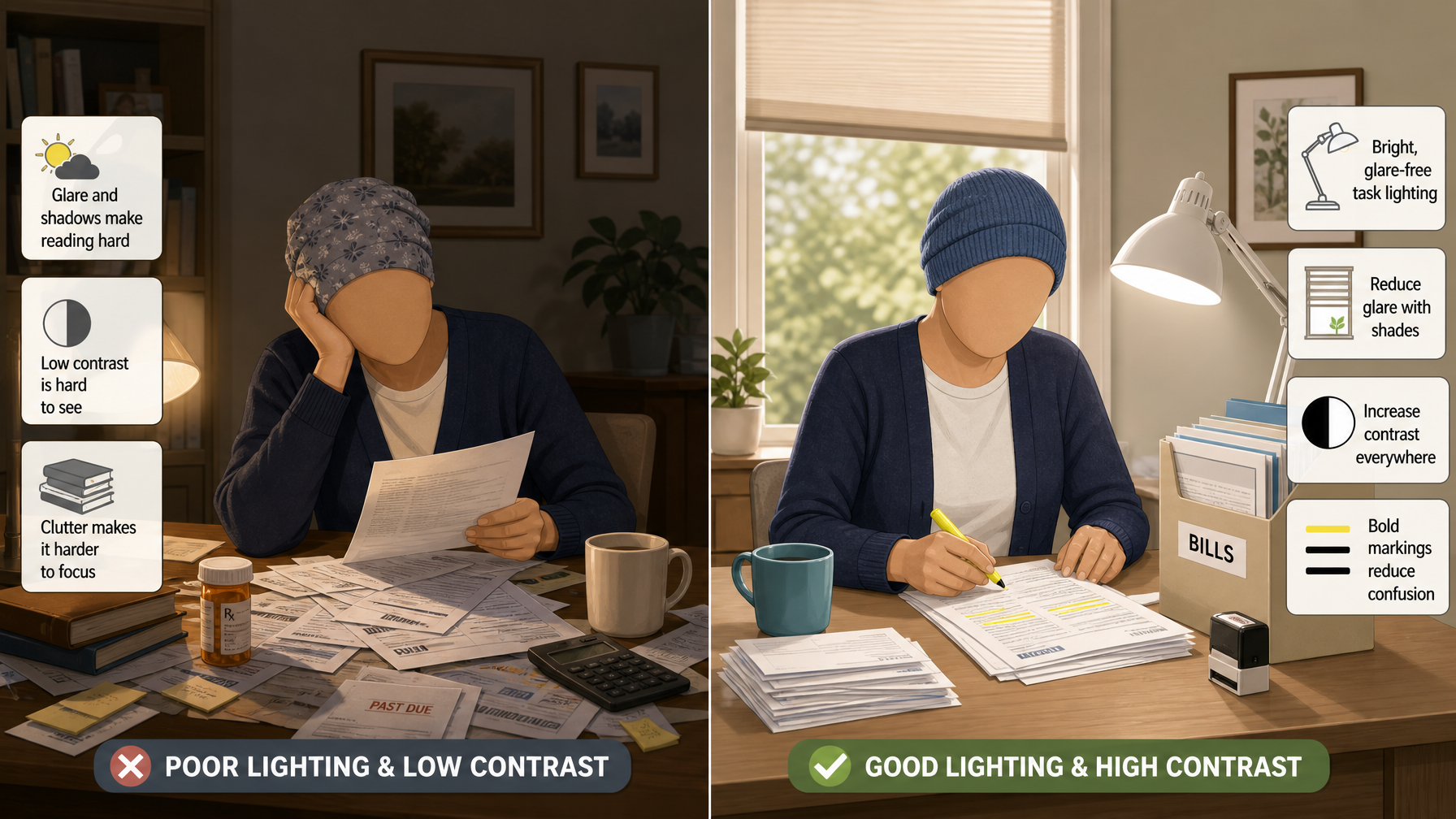
The most underrated low-vision aids are not devices at all — they are good light and good contrast. For many older eyes, improving these transforms what a person can see, at little cost:
- Bright, glare-free task lighting aimed directly at the task (reading, cooking, hobbies) dramatically improves clarity. Adjustable lamps that position light where needed are ideal, and older eyes generally need much more light than younger ones.
- Reduce glare, which is disabling for many eye conditions — avoid bare bulbs and harsh reflections, and use shades or diffusers.
- Increase contrast everywhere — dark text on a light background, a dark chopping board for light food (and vice versa), coloured tape to mark step edges and switches, and high-contrast tableware.
- Reduce clutter and use bold, simple markings so important things stand out.
Good to know
Before buying expensive aids, upgrade the lighting and contrast at home. Strong, glare-free task light and high-contrast markings are inexpensive and often make the single biggest difference to daily vision.
Large-print and high-contrast tools
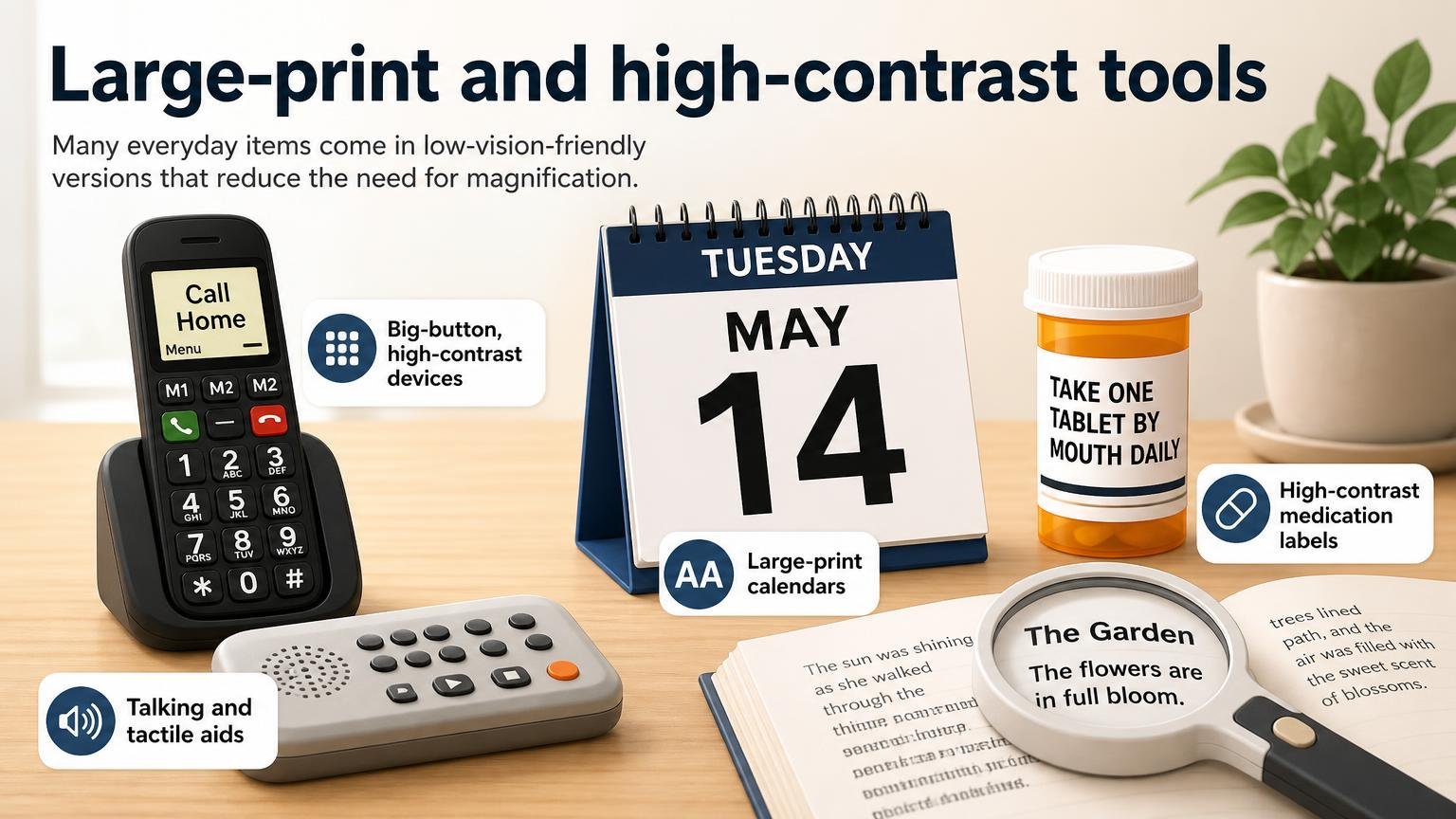
Many everyday items come in low-vision-friendly versions that reduce the need for magnification:
- Large-print books, newspapers, and puzzles (try our free large print Sudoku), and large-print or talking labels for medications and food.
- Big-button, high-contrast devices — large-button phones, remote controls, and clocks with big clear displays.
- Talking and tactile aids — talking clocks, watches, scales, and thermometers, and tactile markers you can feel on appliance dials.
- High-contrast household items — tableware, cutting boards, and markings that make daily tasks easier and safer.
These are simple, affordable ways to keep everyday independence, and they pair well with the setup covered in hearing and vision support at home.
Technology for low vision
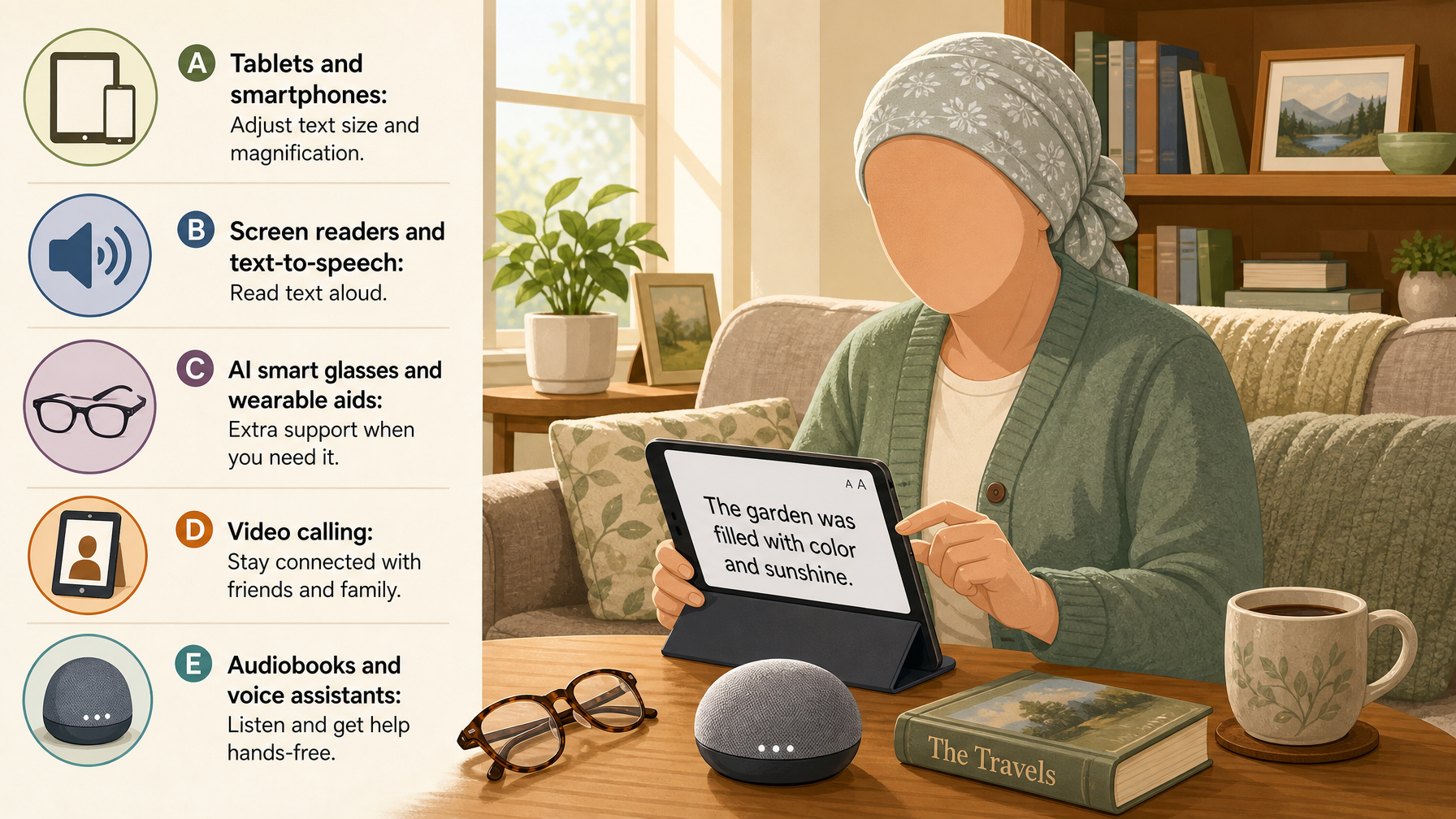
Modern technology has opened powerful new options, many built into everyday devices:
- Tablets and smartphones have excellent built-in accessibility — adjustable text size, magnification, high-contrast modes, and screen readers that read text aloud. A tablet suited to poor vision can serve as reader, magnifier, and communicator in one, and our guide to setting up a phone for low vision walks through the settings.
- Screen readers and text-to-speech read books, emails, and web pages aloud for those who can no longer read comfortably.
- AI smart glasses and wearable aids can read text aloud, identify objects, and describe surroundings — a fast-developing category; see AI smart glasses for low-vision seniors.
- Video calling helps maintain connection when reading letters is hard — see video calling devices for the elderly.
- Audiobooks and voice assistants open reading and daily tasks (reminders, information, controls) through sound.
Choosing the right aids — and staying safe
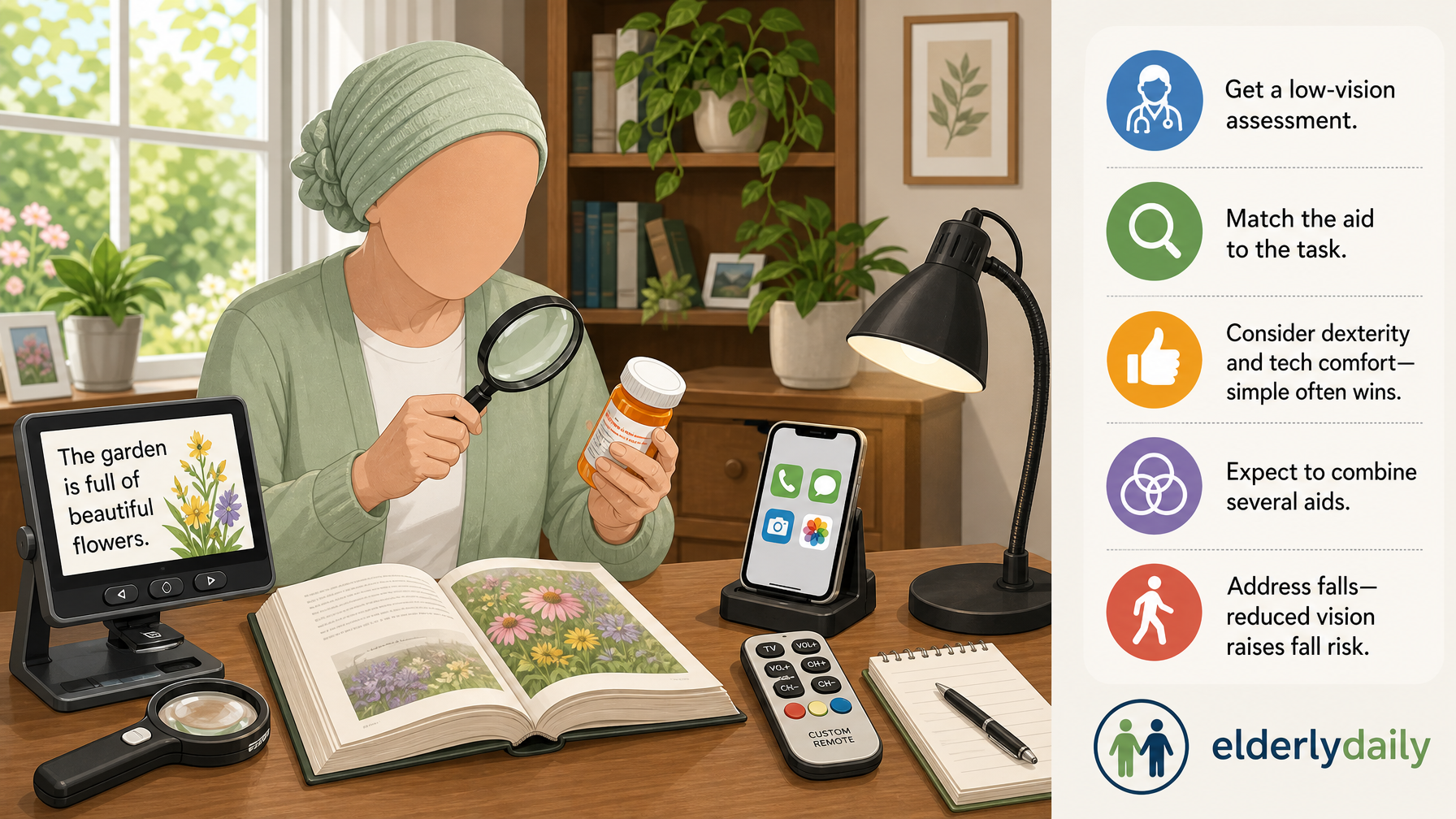
With so many options, matching aids to the person is what matters:
- Get a low-vision assessment. An optometrist or low-vision specialist can recommend aids suited to the specific eye condition and goals — the single best step.
- Match the aid to the task — reading the mail, a hobby, watching TV, using a phone, and getting around safely may each need a different tool.
- Consider the person’s dexterity and comfort with technology — the best aid is one they will actually use; simple often wins.
- Combine aids — most people use several (a magnifier plus better lighting plus a tablet), not one.
- Address safety and falls, since reduced vision raises fall risk — improve home and stair/bathroom lighting and contrast, and mark hazards clearly.
Safety first
A sudden change in vision — sudden loss, new flashes or floaters, or a "curtain" across the sight — is a medical emergency. Seek urgent eye care immediately rather than treating it as a low-vision-aid question.
Frequently asked questions
What are low vision aids?
Low vision aids are tools and devices that help people make the most of eyesight that cannot be fully corrected by glasses, contacts, or surgery. They include magnifiers (handheld, stand, and electronic), improved lighting and contrast, large-print and high-contrast household items, and technology such as accessible tablets, screen readers, and AI smart glasses. Most people benefit from a combination.
What is the best magnifier for seniors with low vision?
It depends on the task and the eye condition. Handheld magnifiers suit quick spot tasks, stand magnifiers steady longer reading and help unsteady hands, and electronic (video) magnifiers offer adjustable size and contrast for sustained reading and more significant loss. Trying different types, ideally after a low-vision assessment, is the best way to find the right strength and style.
How can lighting help low vision?
Bright, glare-free task lighting aimed directly at what the person is doing dramatically improves clarity, since older eyes need far more light than younger ones. Reducing glare (from bare bulbs and reflections) and increasing contrast are equally important. Because lighting and contrast are cheap and highly effective, upgrading them is often the best first step before buying devices.
Can technology help seniors with low vision?
Yes, significantly. Tablets and smartphones have built-in magnification, large text, high-contrast modes, and screen readers; text-to-speech reads content aloud; AI smart glasses can read text and describe surroundings; and video calling and voice assistants keep people connected and independent. A tablet suited to poor vision can act as reader, magnifier, and communicator in one.
How do I choose the right low vision aids?
Start with a low-vision assessment from an optometrist or specialist, who can recommend aids suited to the specific eye condition and goals. Match aids to the tasks that matter (reading, hobbies, phone, getting around), consider the person’s dexterity and comfort with technology, and expect to combine several aids. Address home lighting, contrast, and fall safety too.
Does low vision increase the risk of falls?
Yes — reduced vision makes hazards, steps, and changes in surface harder to see, which raises fall risk. Alongside vision aids, improve lighting and contrast throughout the home, mark step edges and hazards clearly, and apply the usual fall-prevention measures. A sudden change in vision, however, is a medical emergency needing urgent eye care.
